 xIPTV










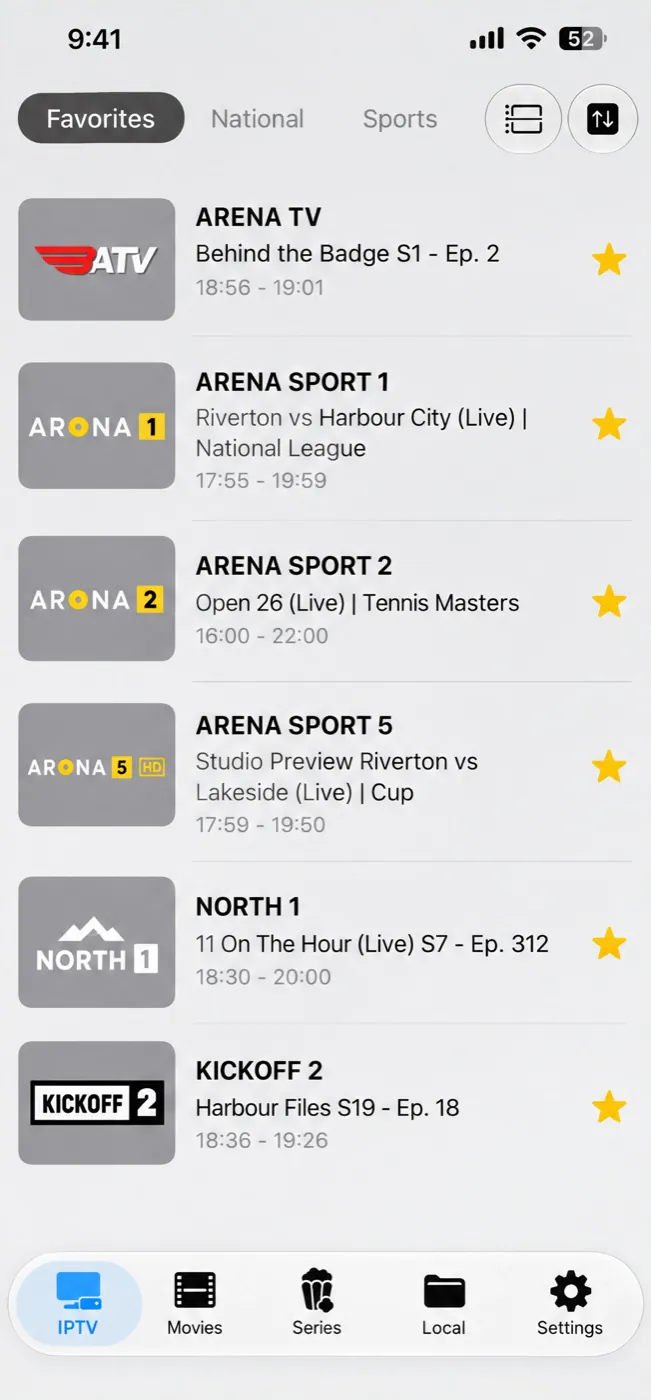
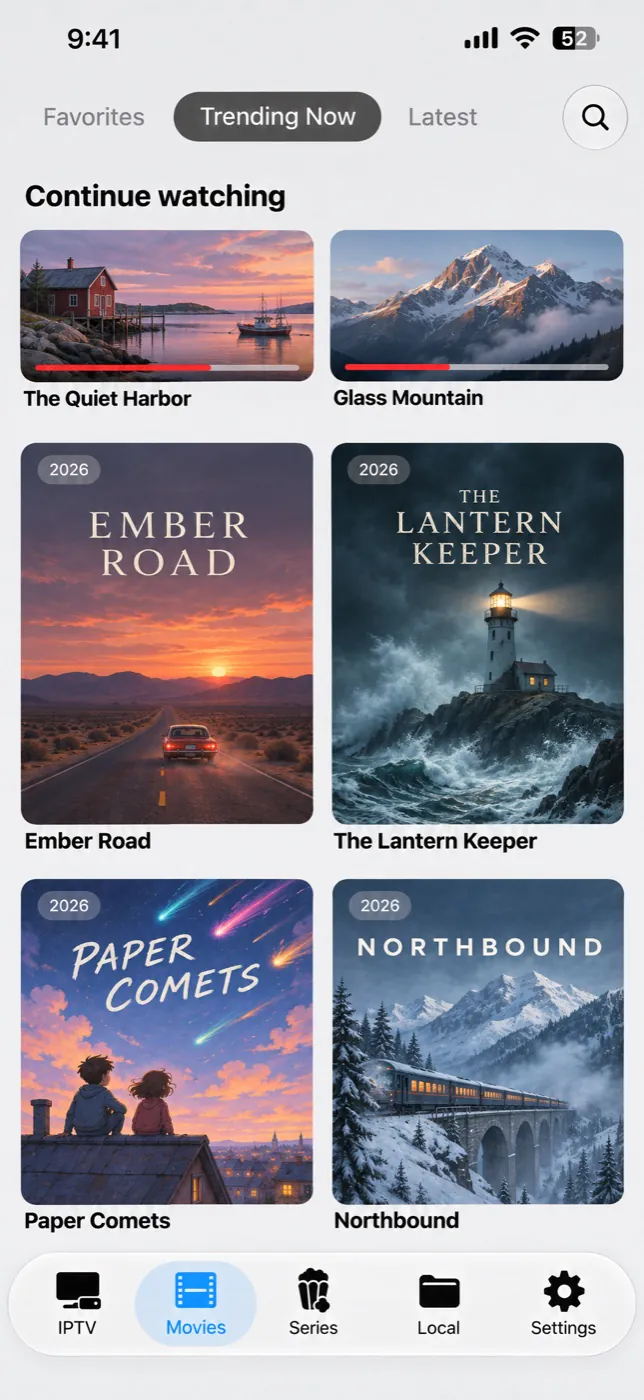
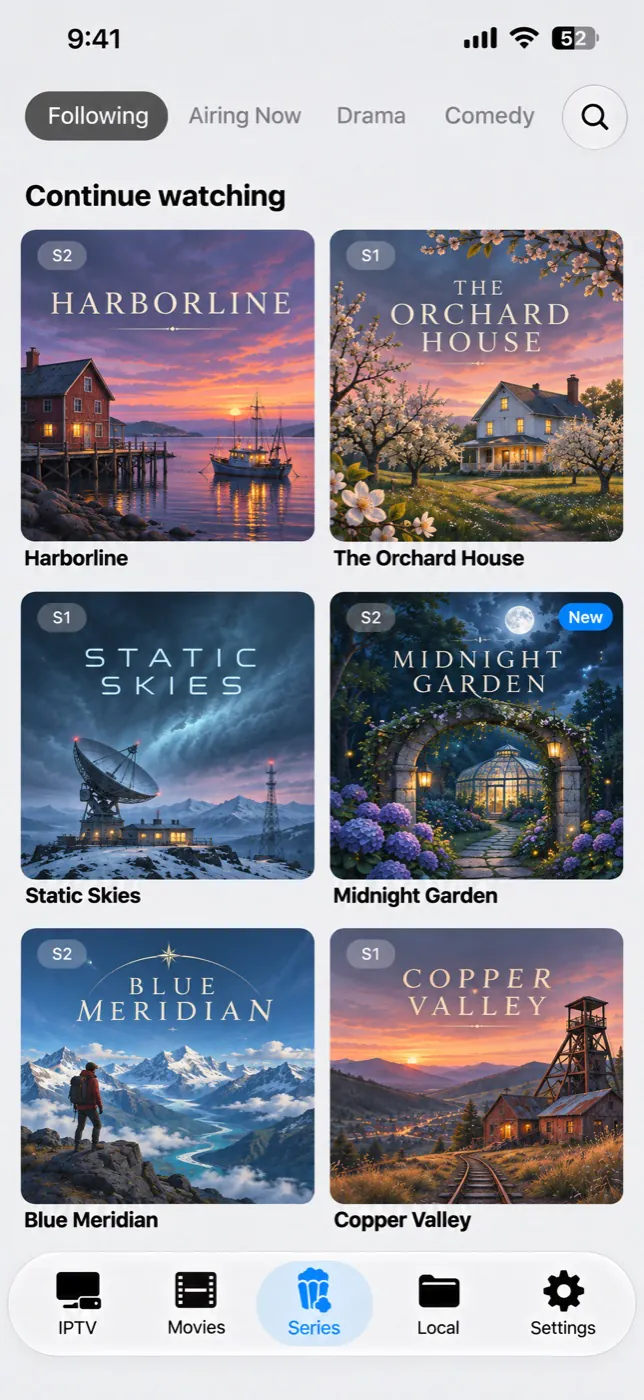
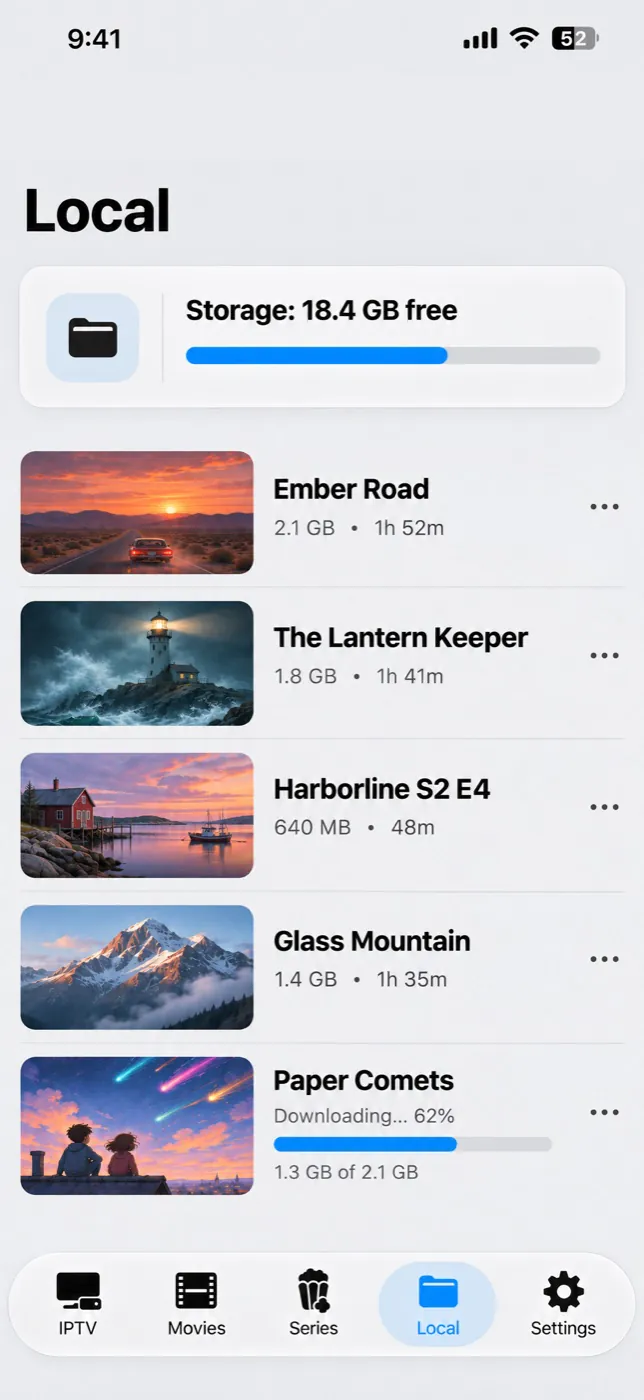
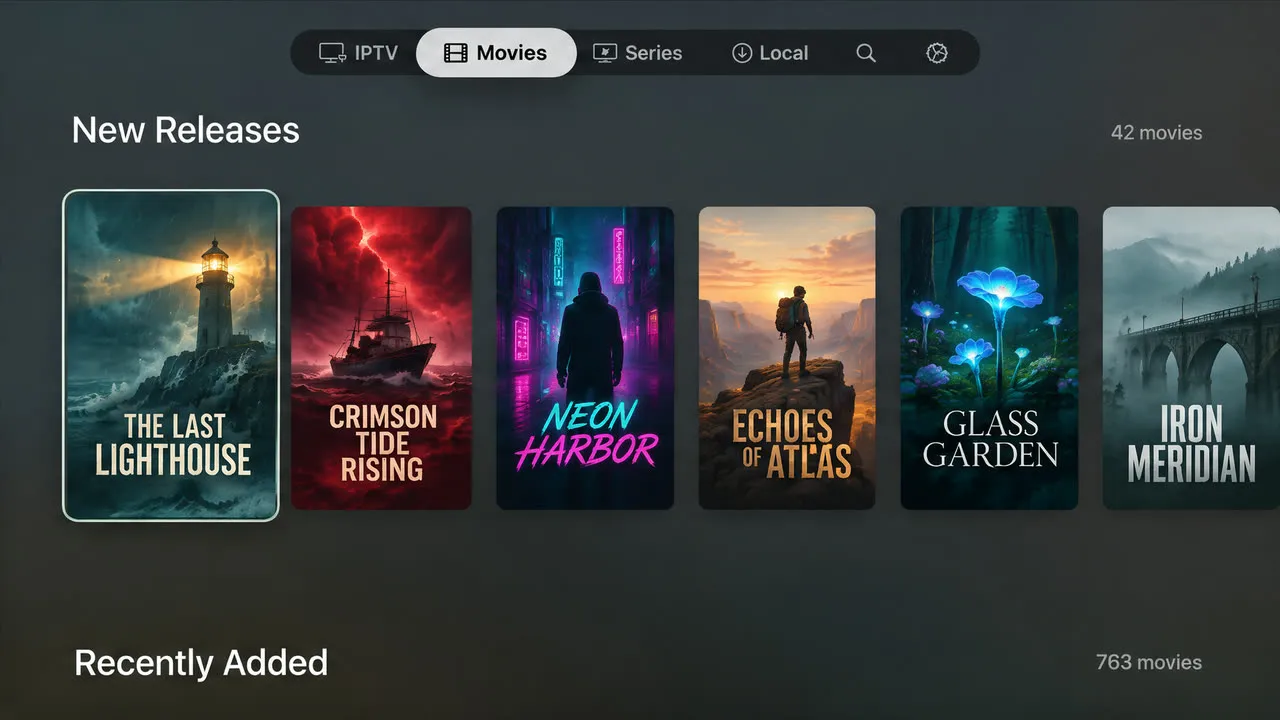
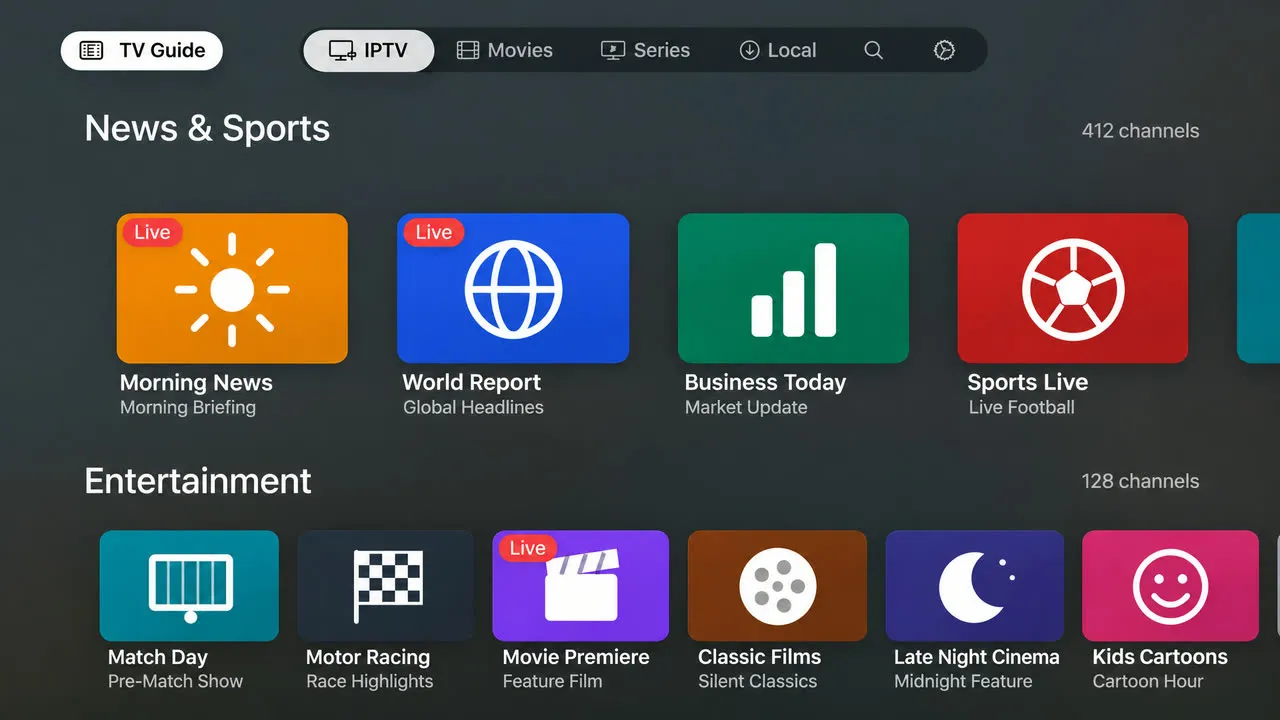
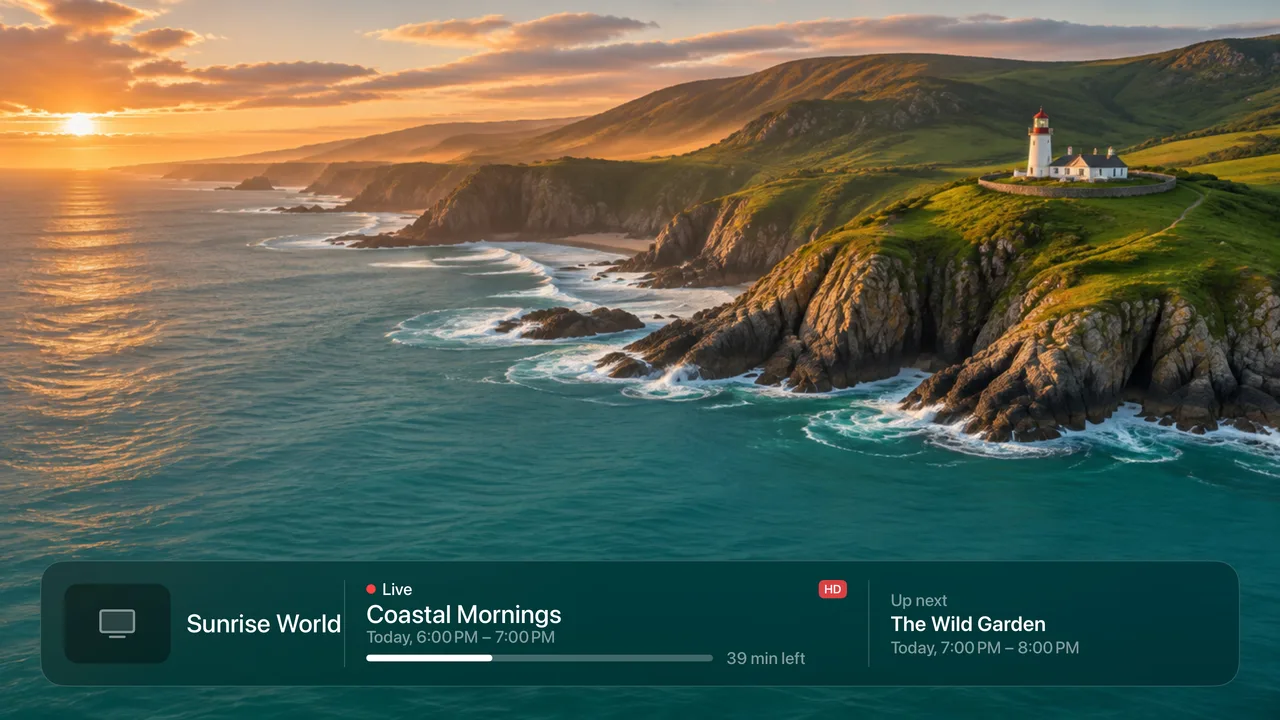
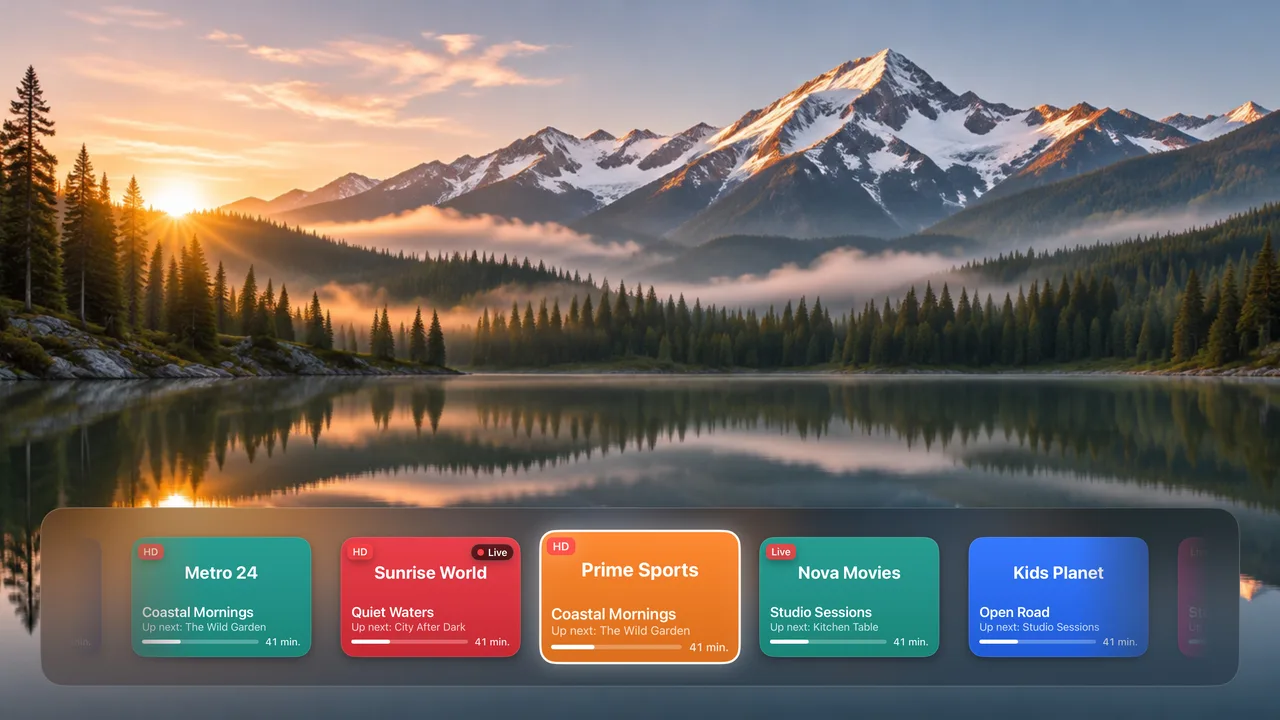

Try it: tap the tabs
How it works
A player, not a provider
xIPTV does not provide, host, sell or recommend any channels, movies or series. The app ships with no content and no channel lists. You sign in with the credentials of your own TV service, and everything you watch comes directly from that service to your iPhone.
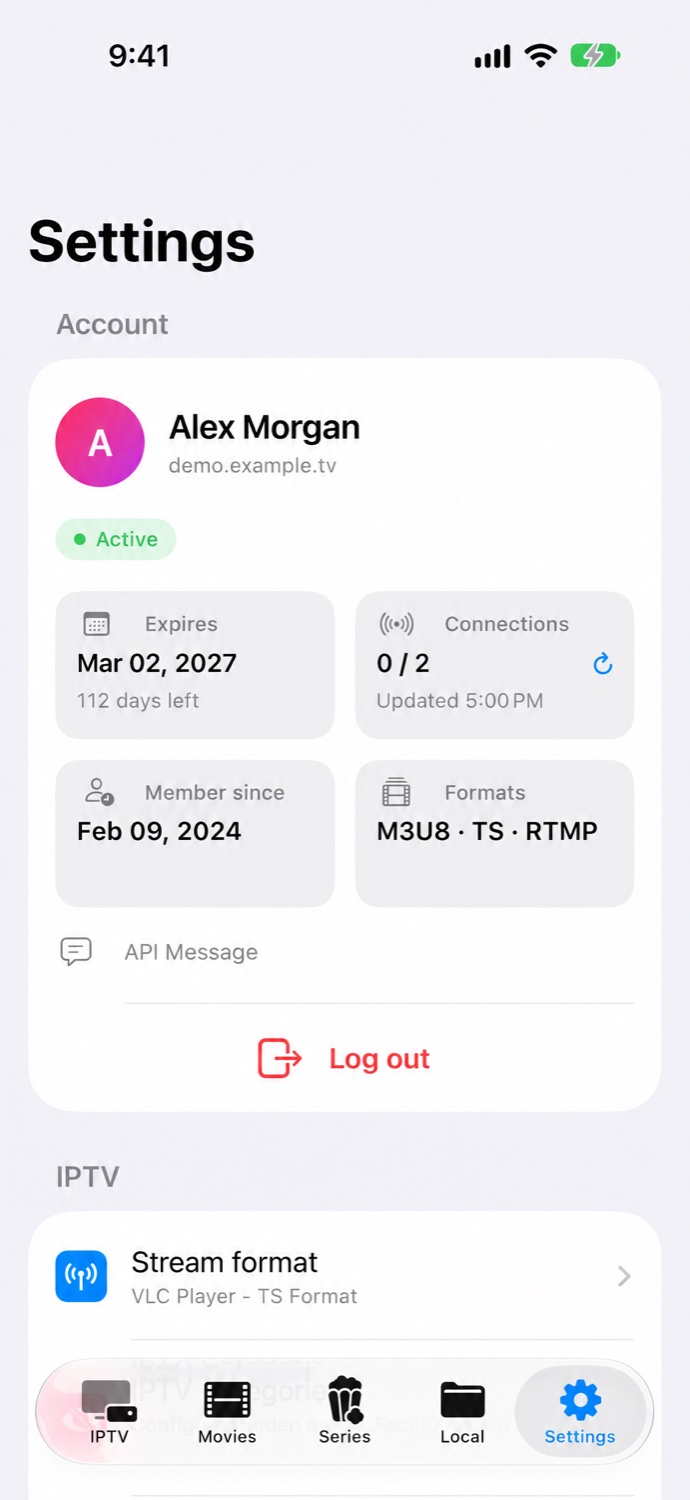
xIPTV works with any TV service that offers the Xtream Codes API. Ask your service for your server address, username and password.
iPhone
Your TV service, in your pocket
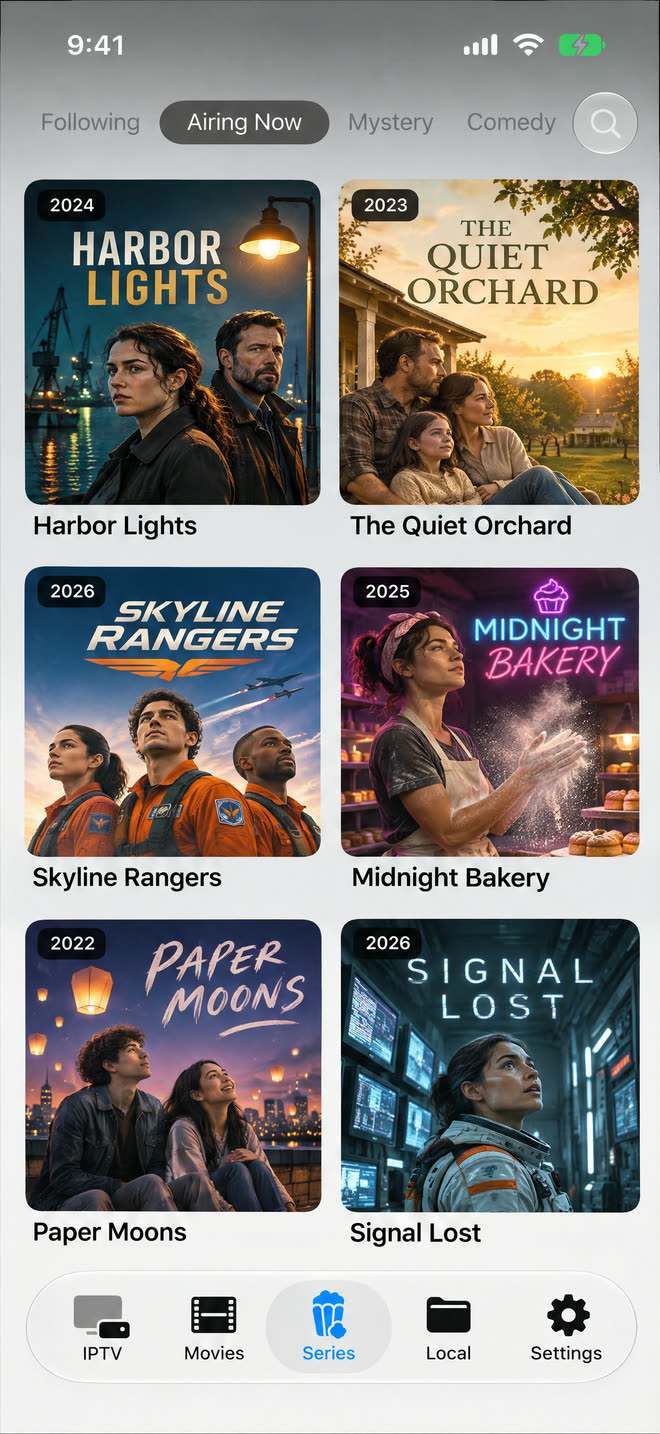
Sign in once with the credentials from your TV service. Live TV, movies and series open in a native iPhone app made for one hand.
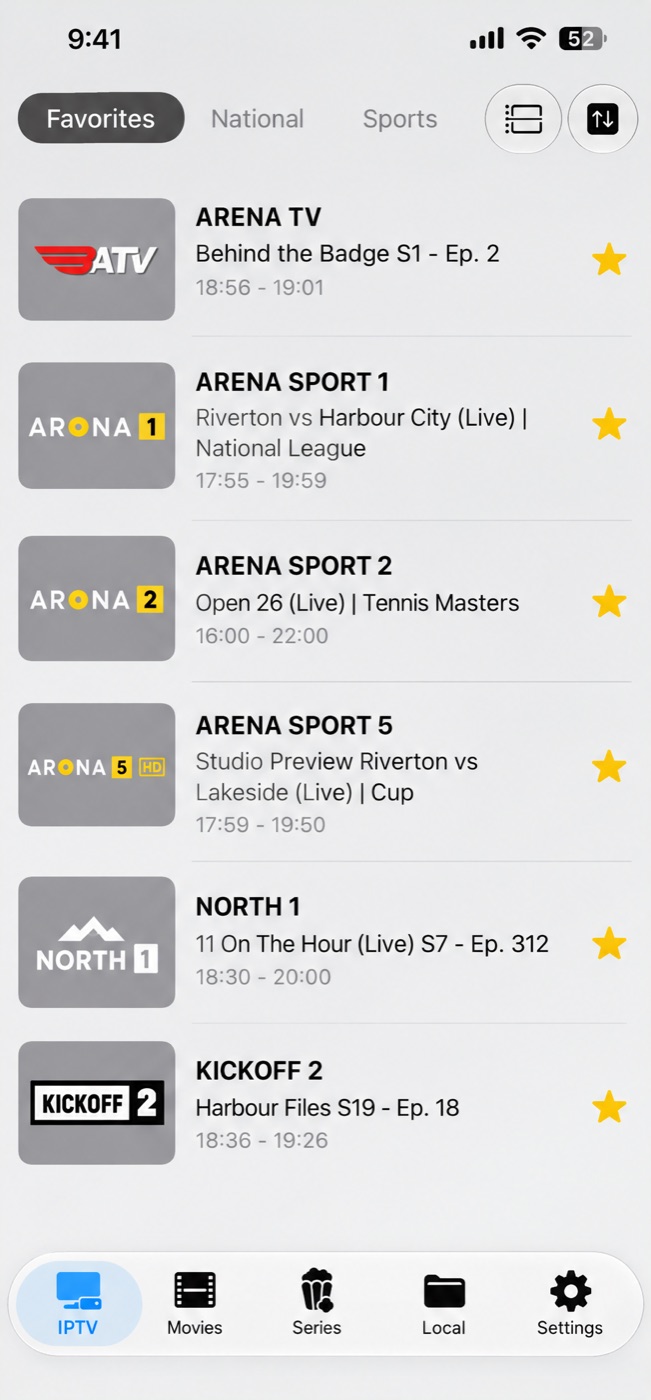
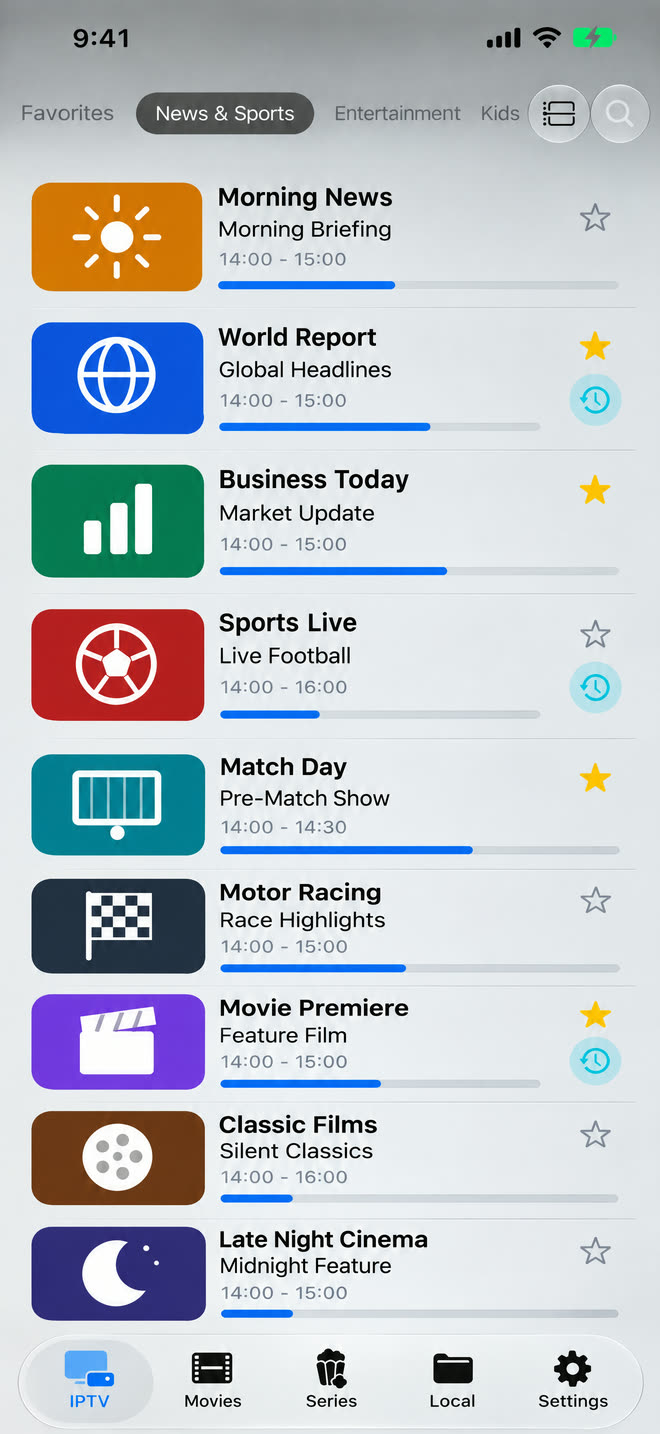
Live TV, the way you browse it
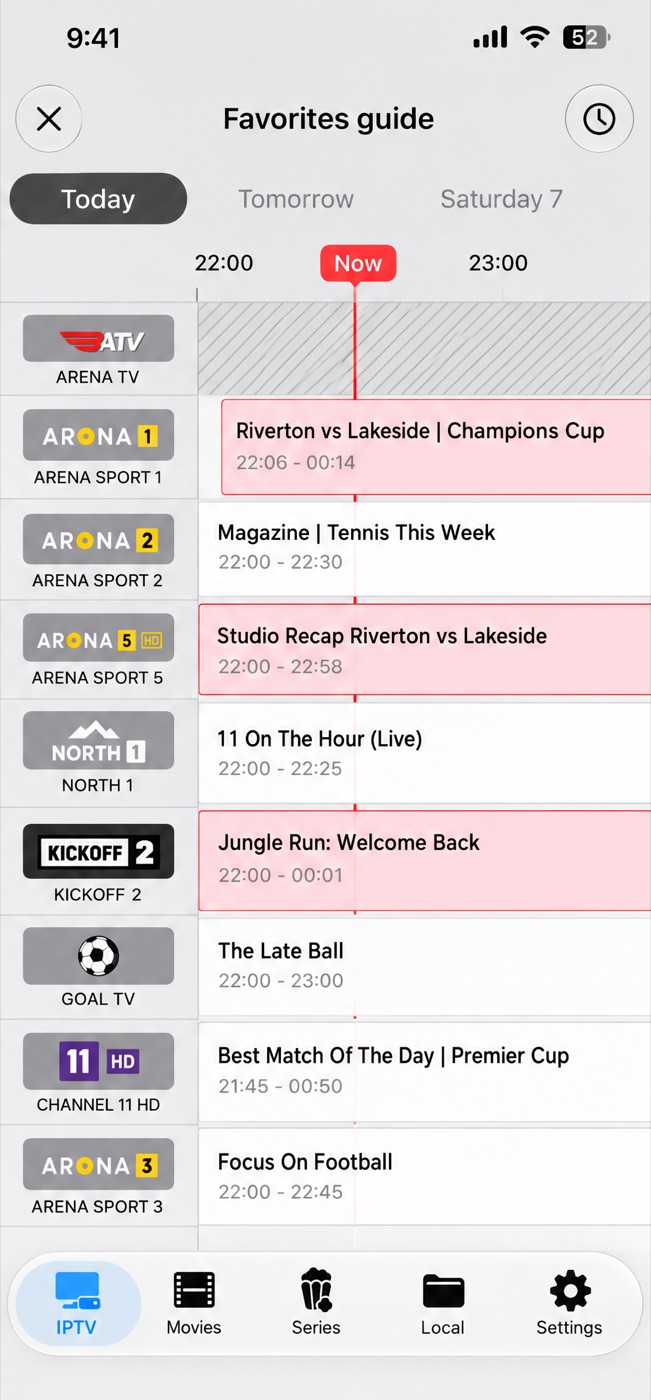
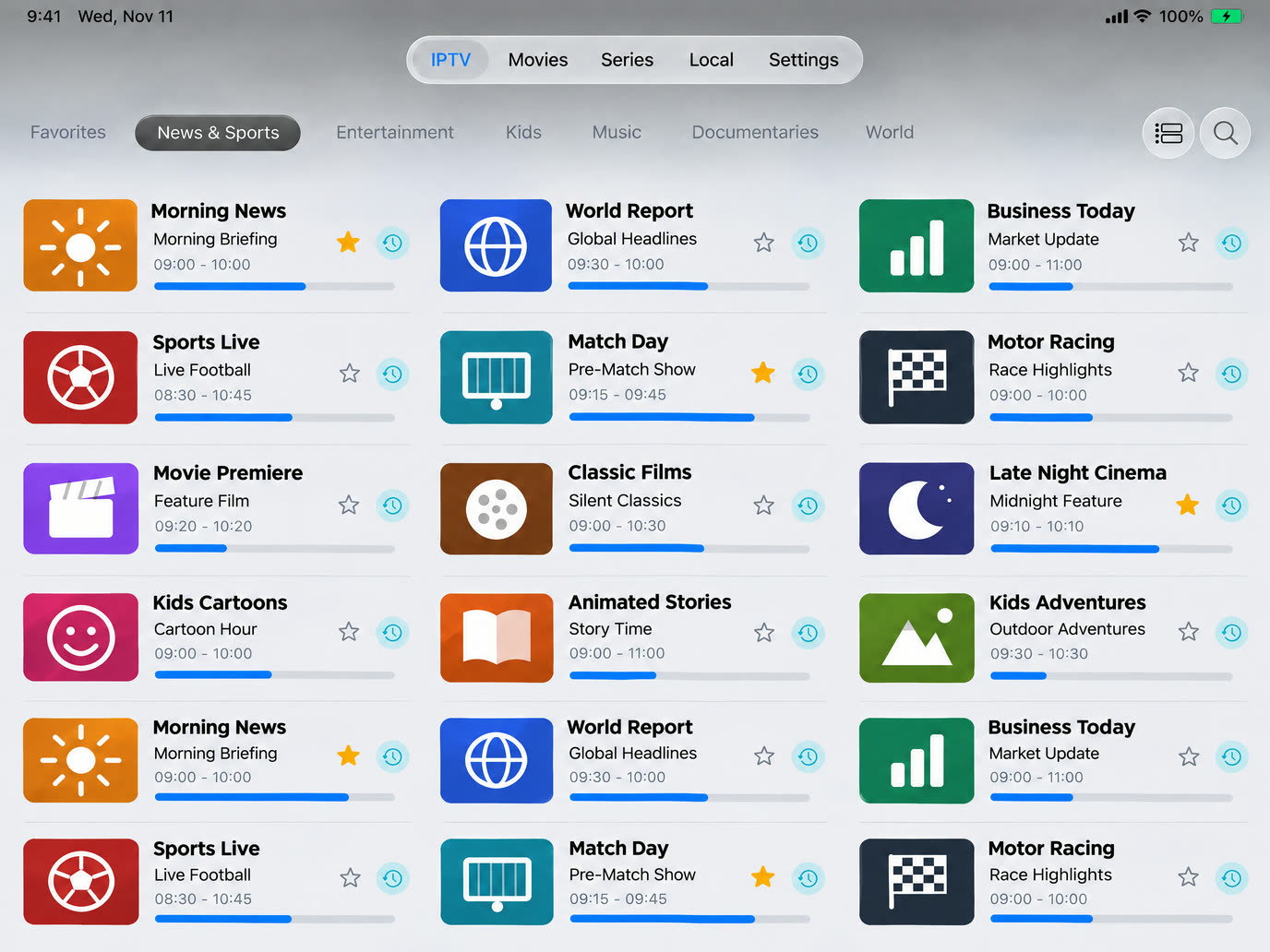
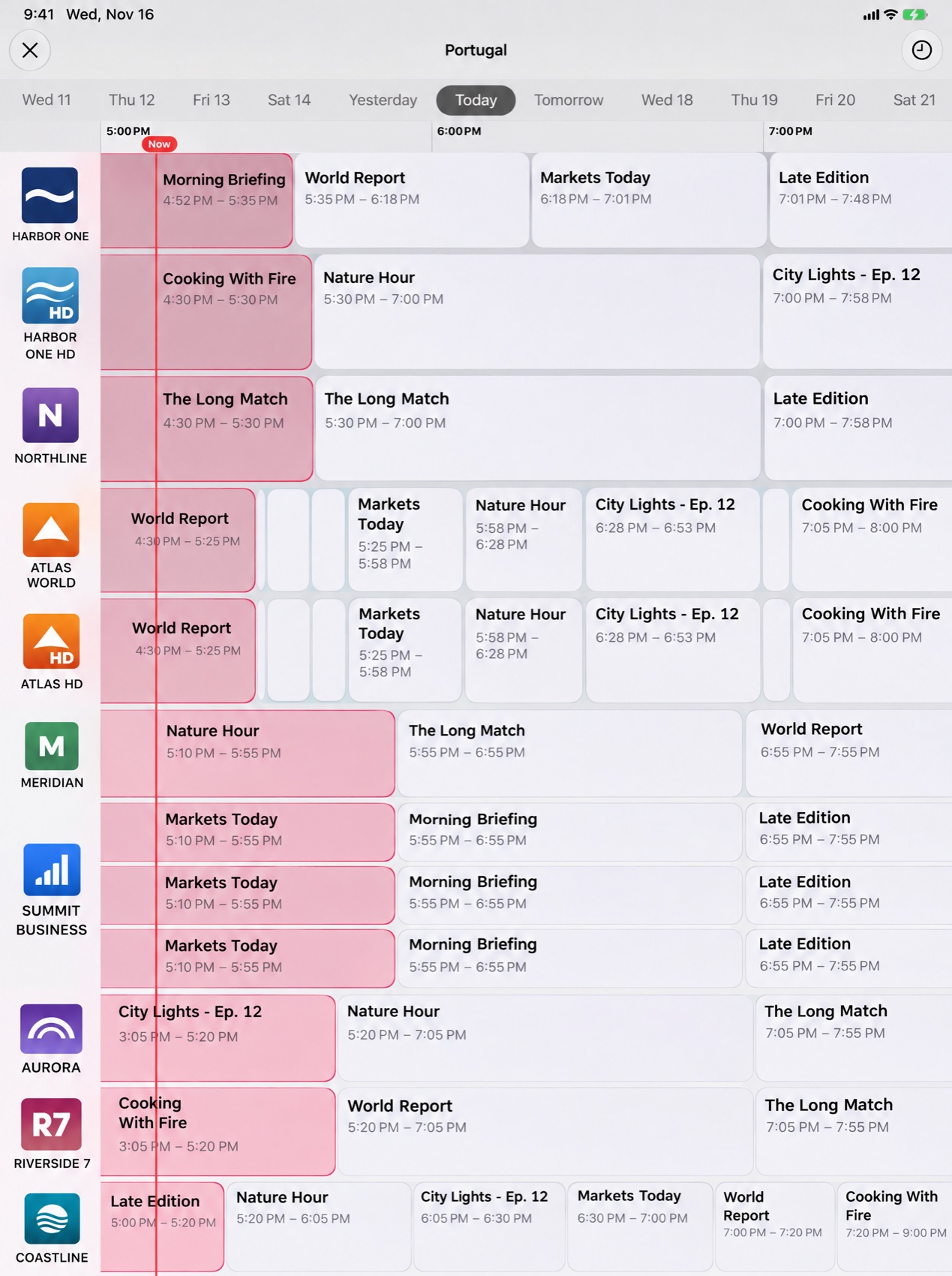
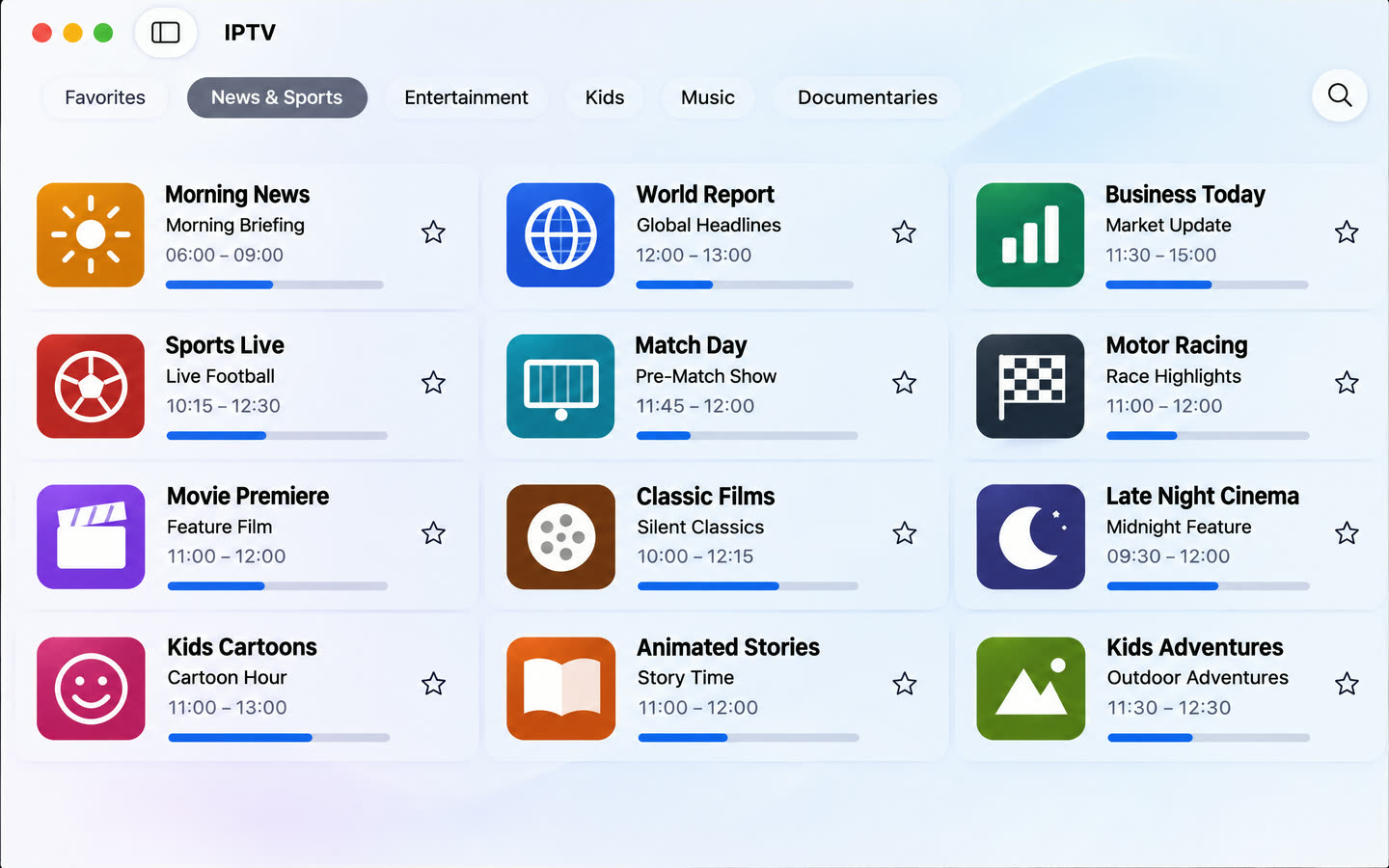
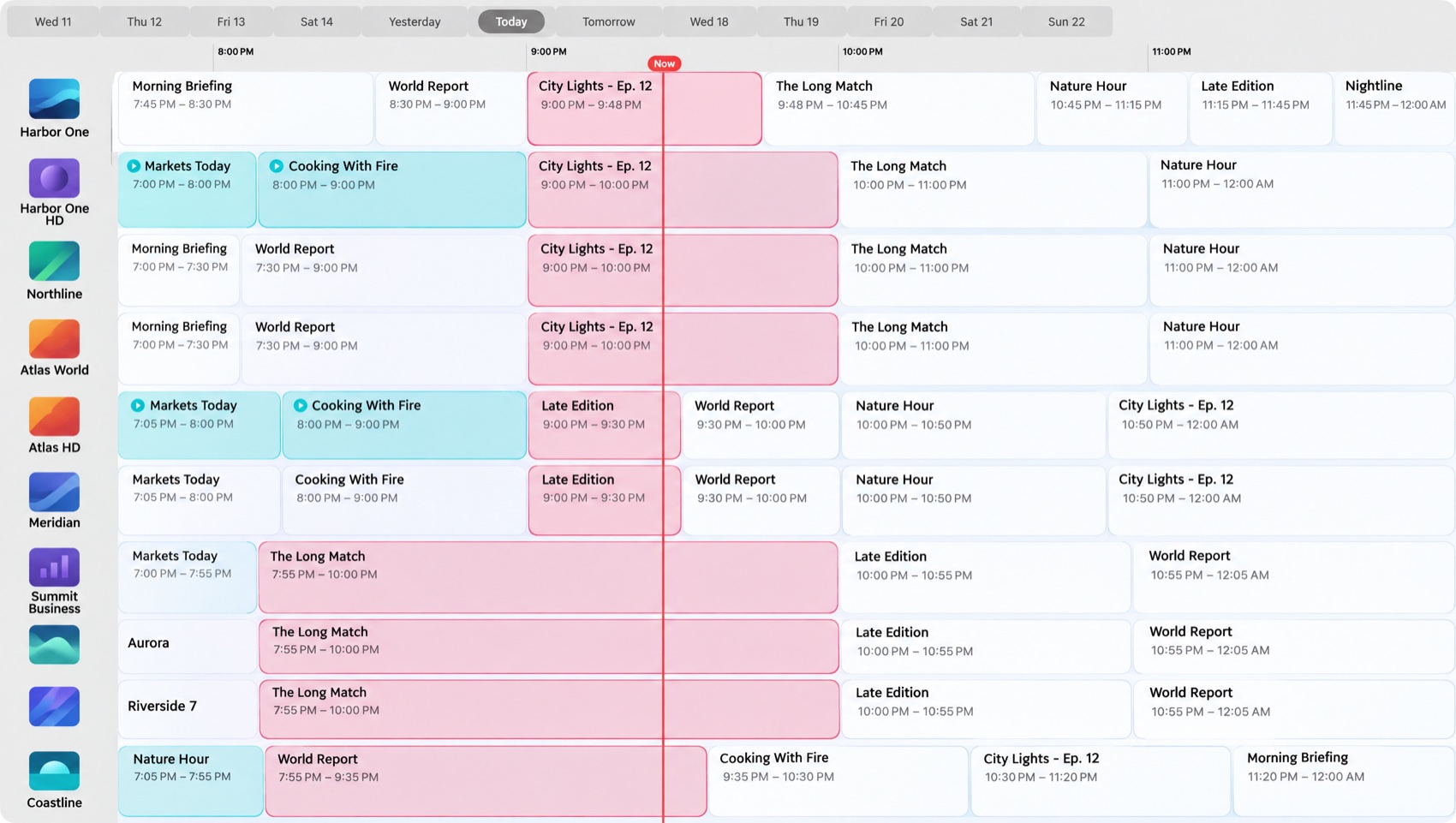
Channels by category with what is on now, favorites you can reorder and an hour-by-hour guide with reminders.
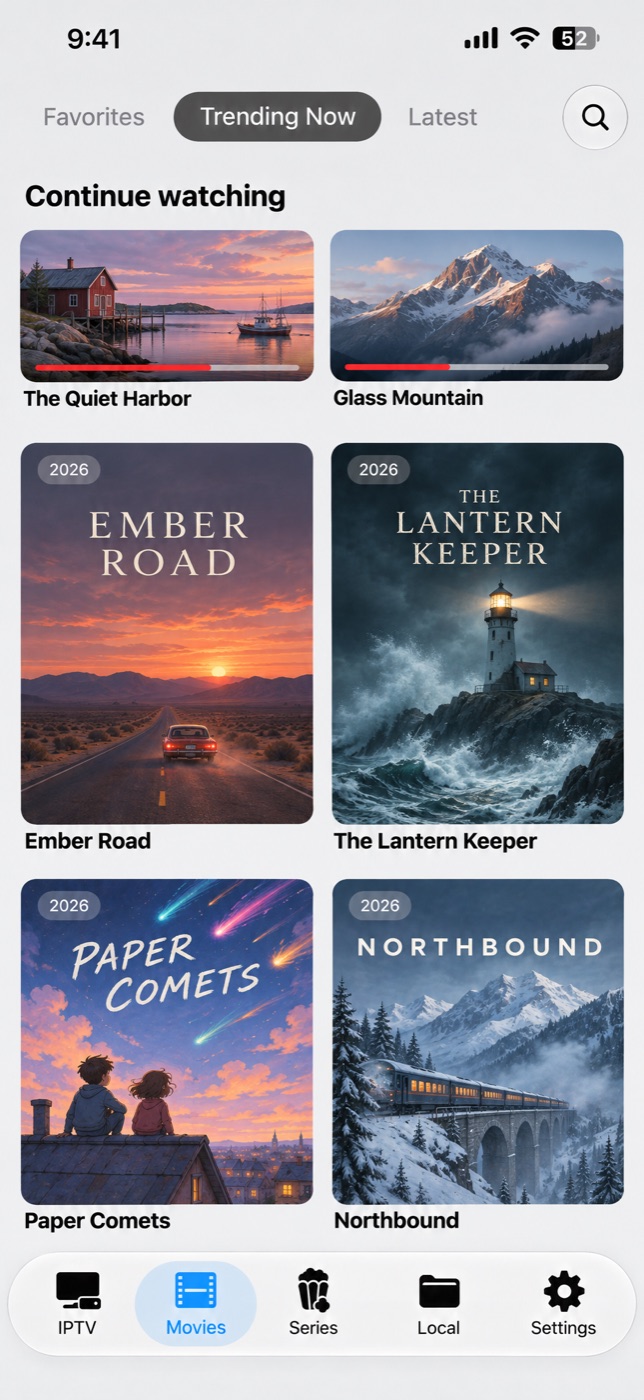
Pick up where you stopped
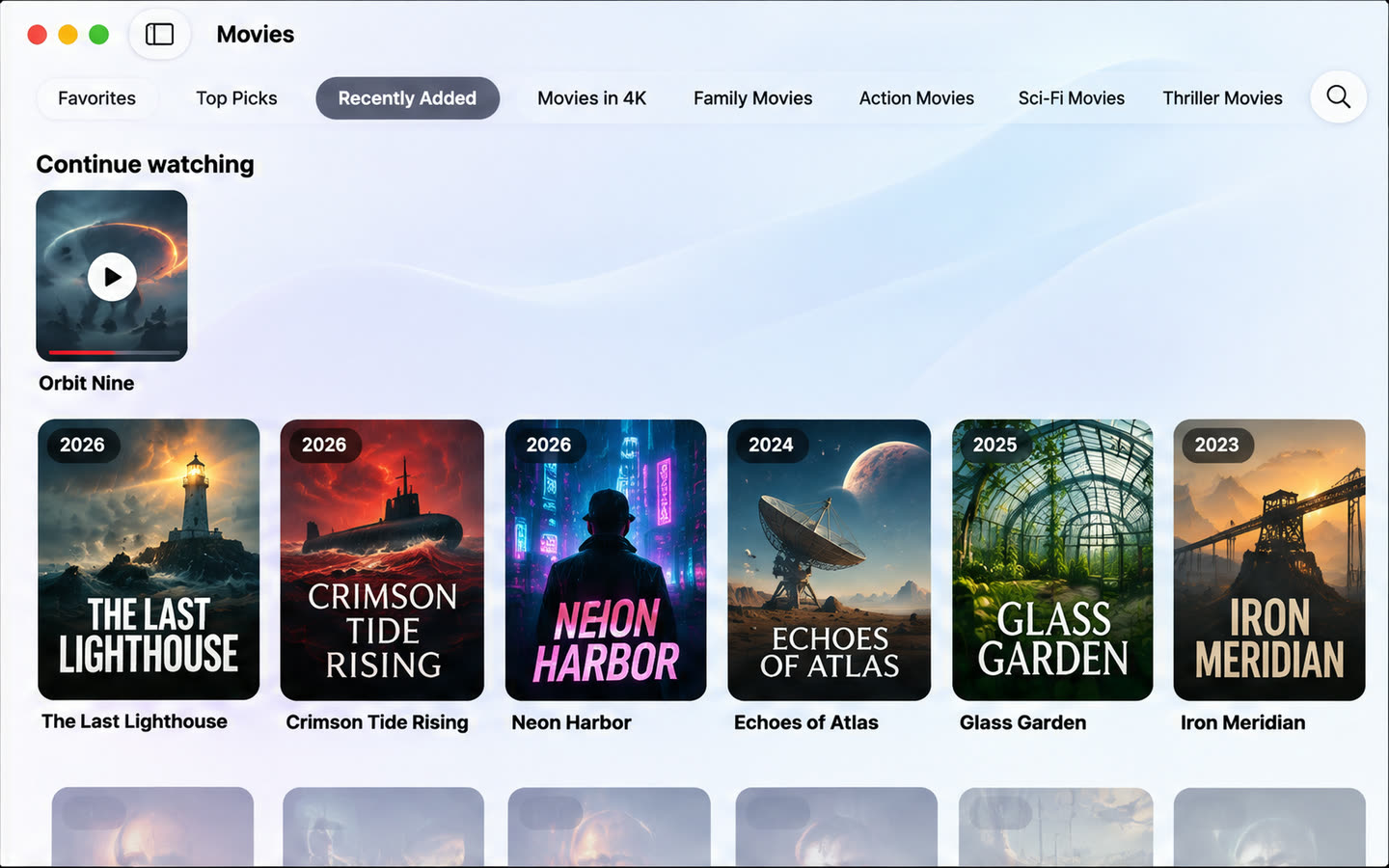
Continue watching for movies and episodes, and the next episode one tap away.
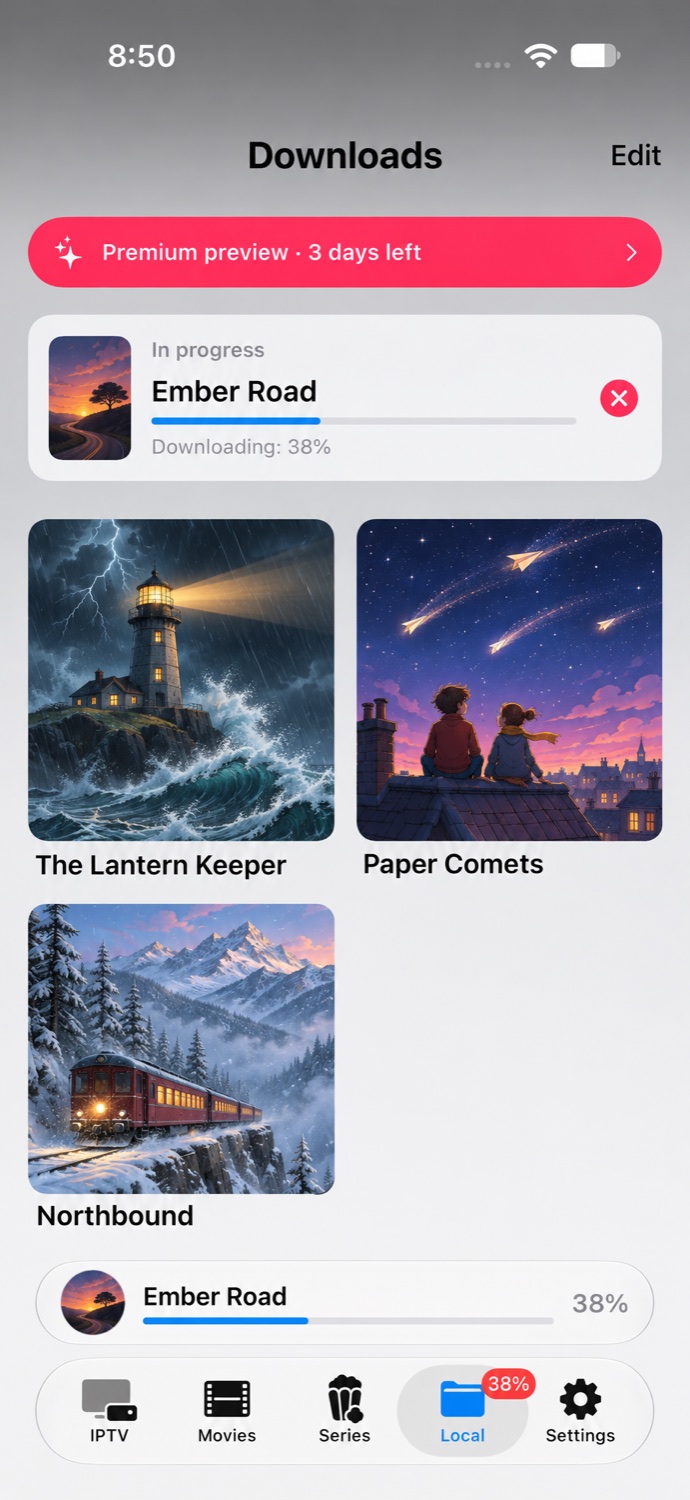
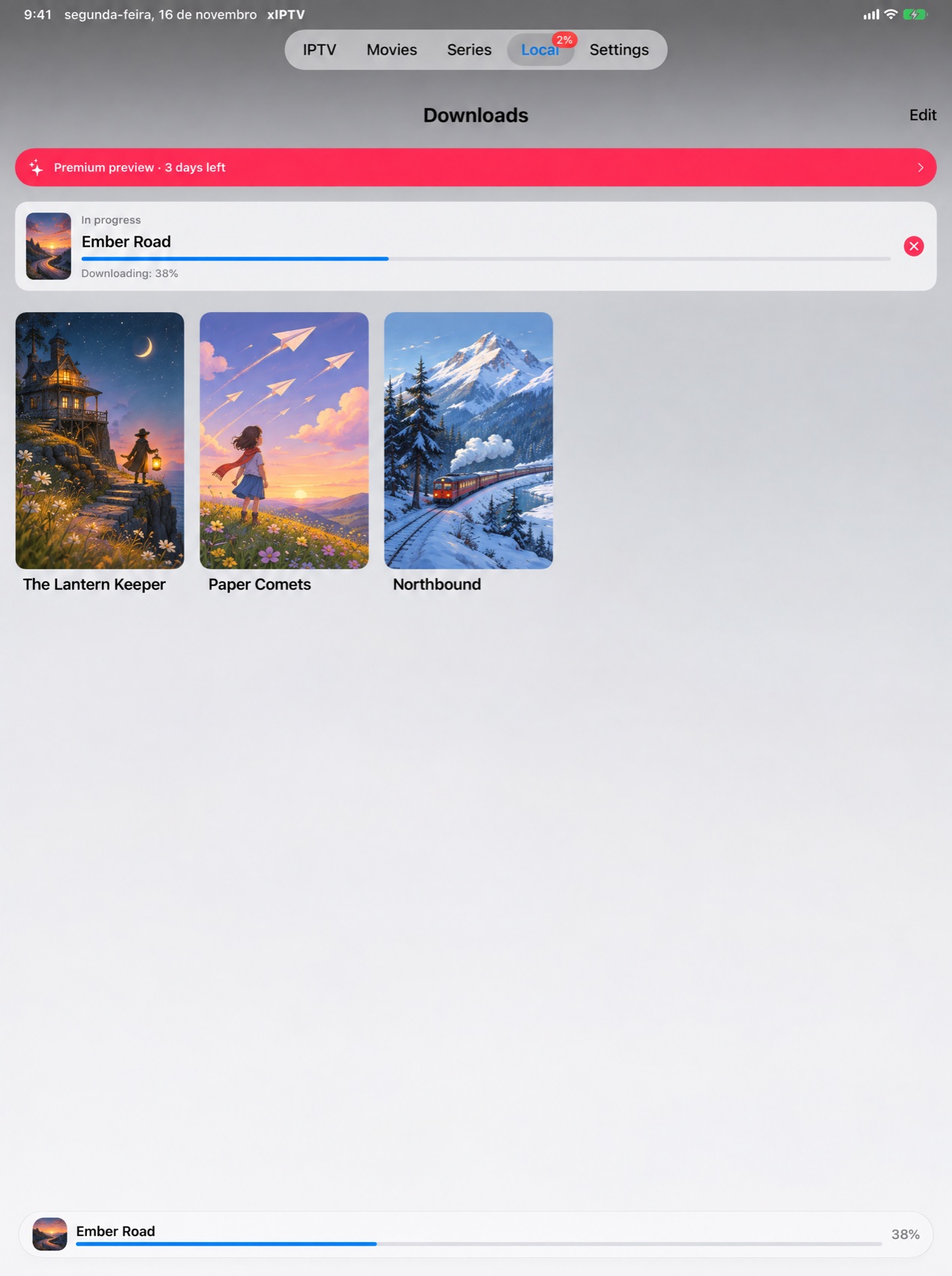
Downloads for the road (Premium)
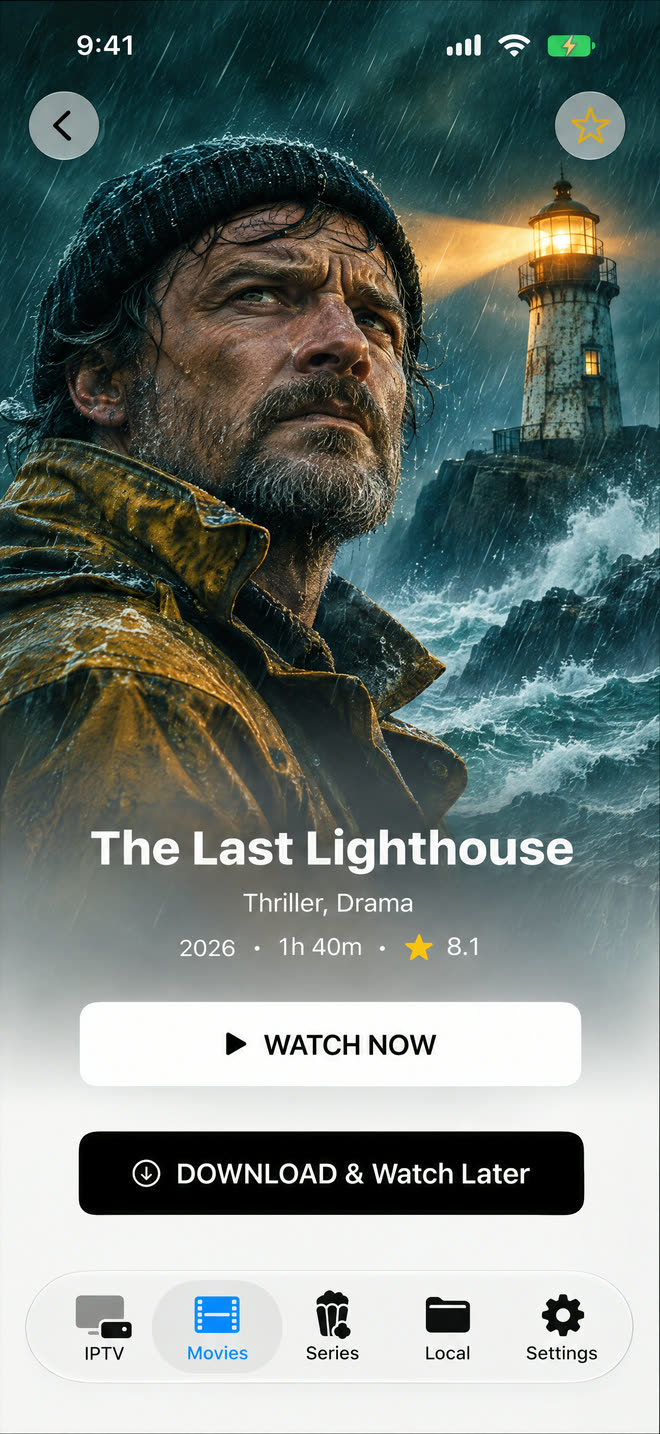
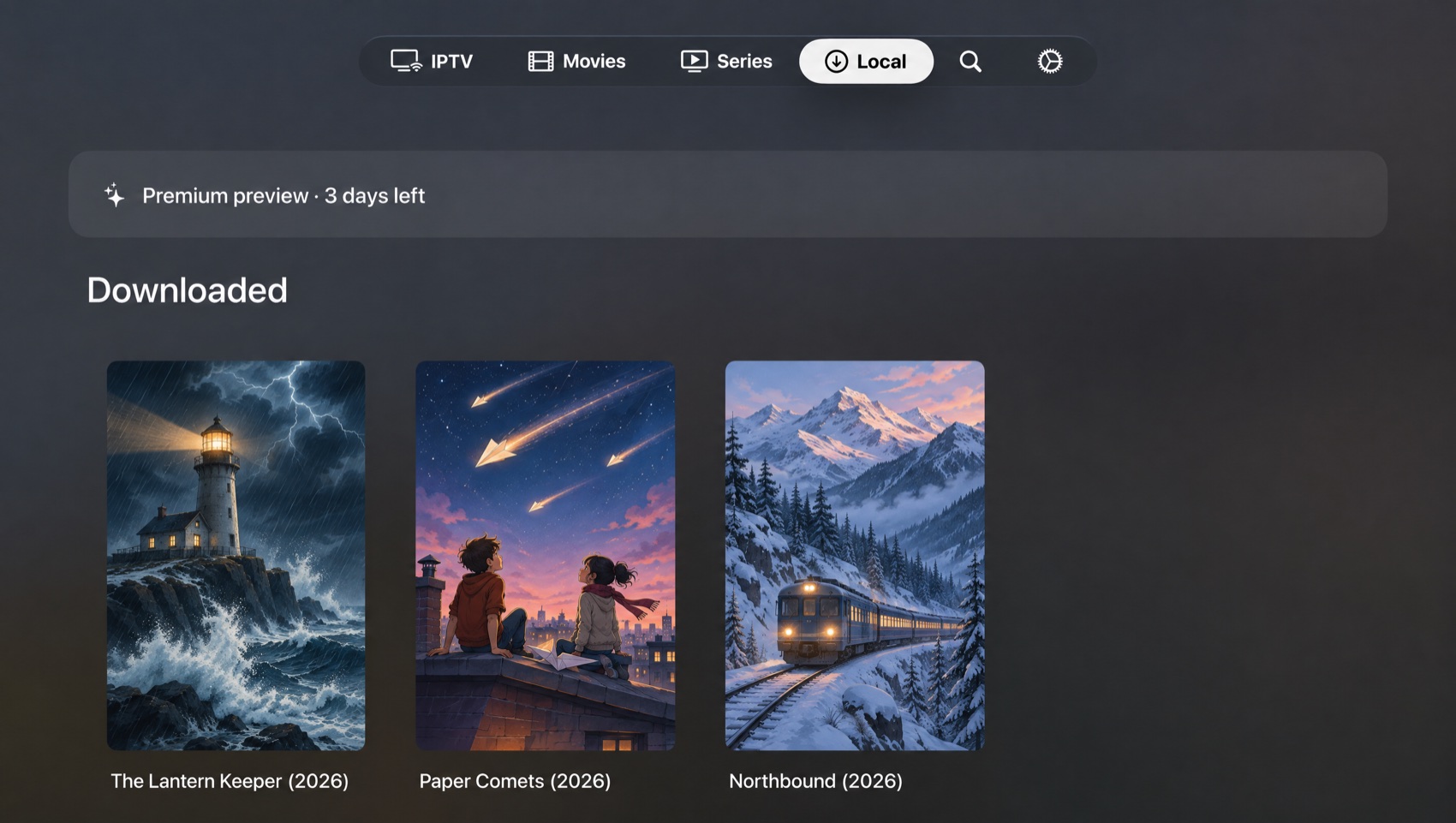
Save movies and episodes and watch them on a plane, a train or wherever the signal drops.
 iPhone · available now
iPad
Made for the bigger screen
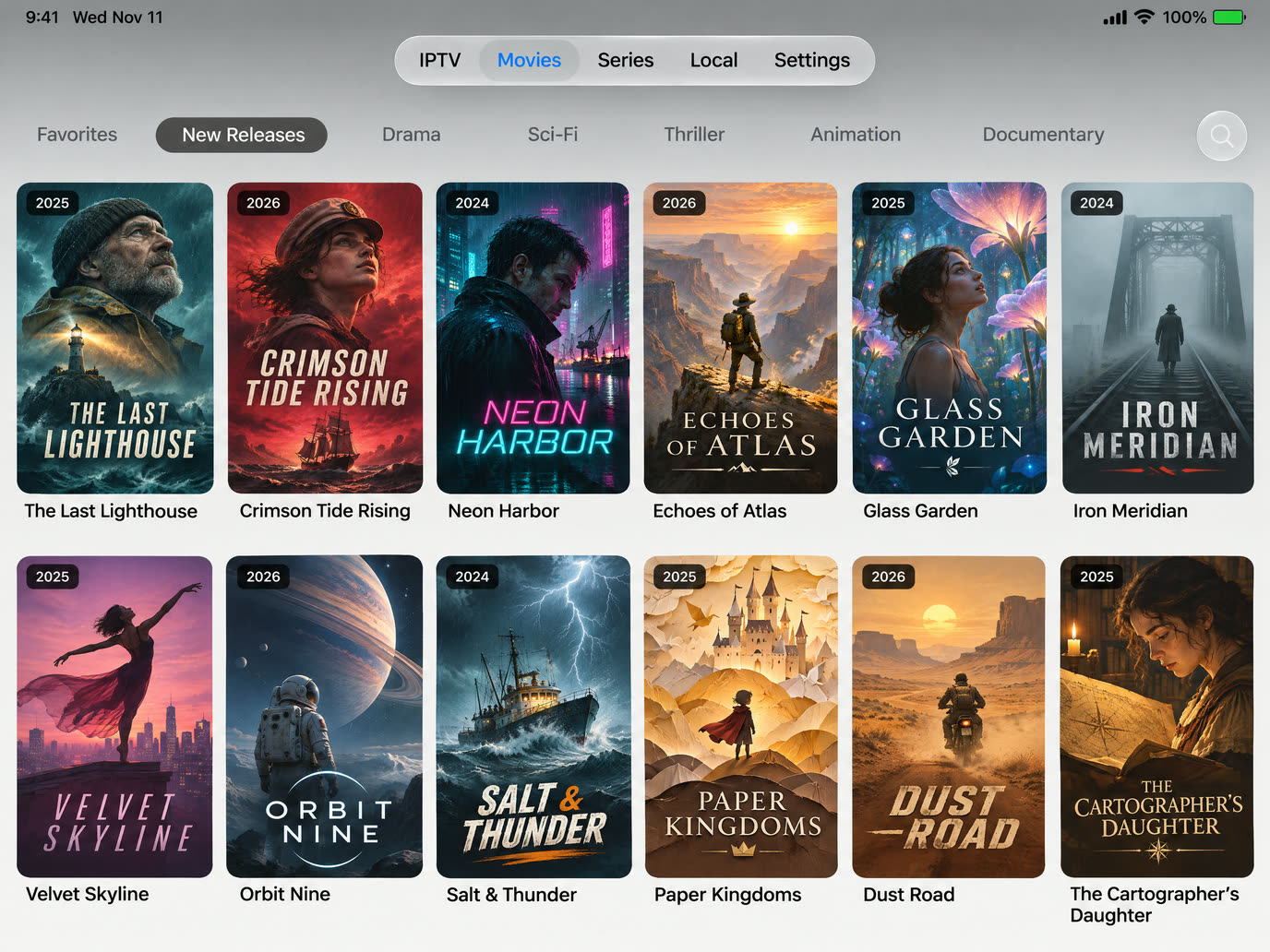
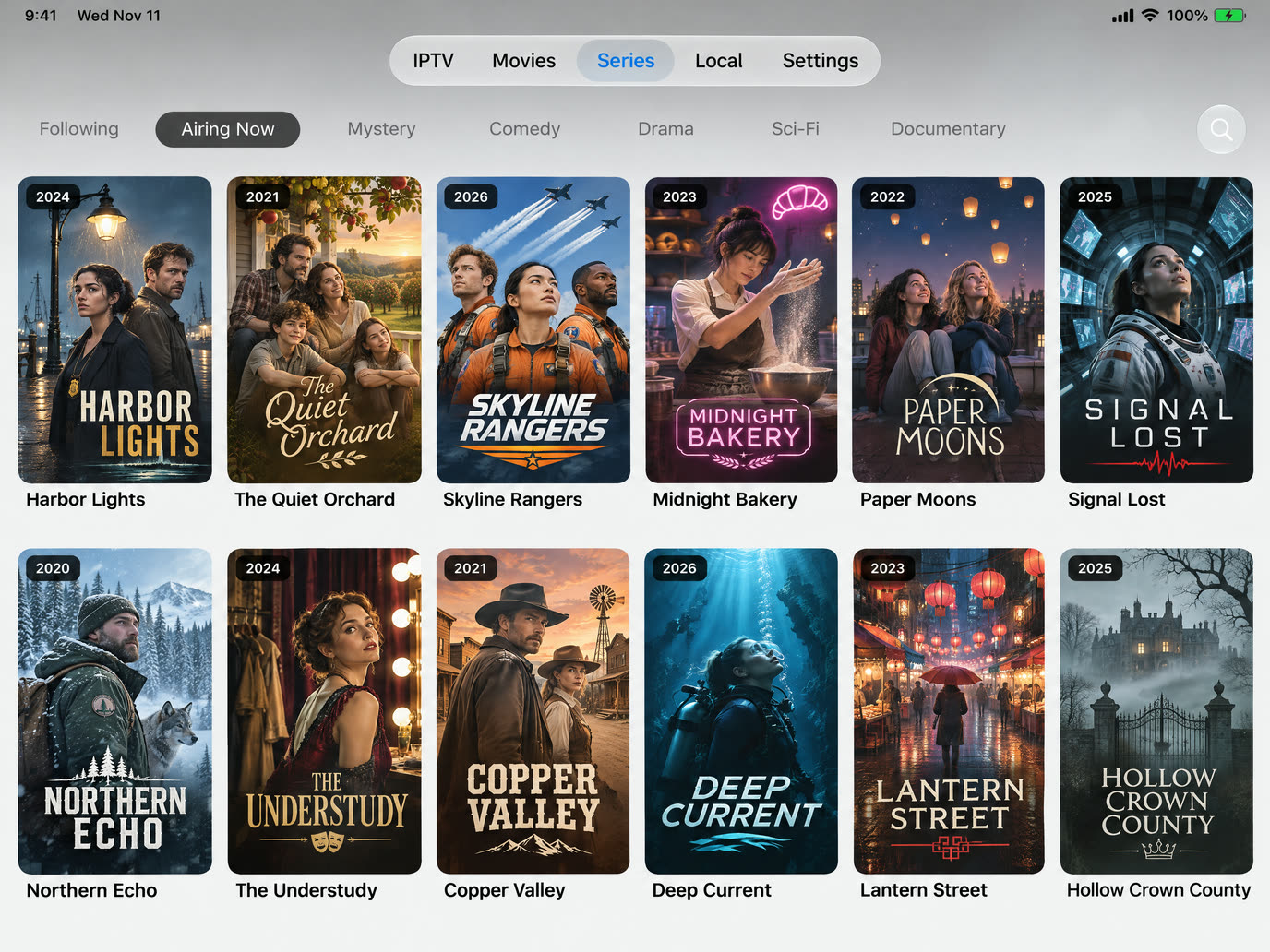
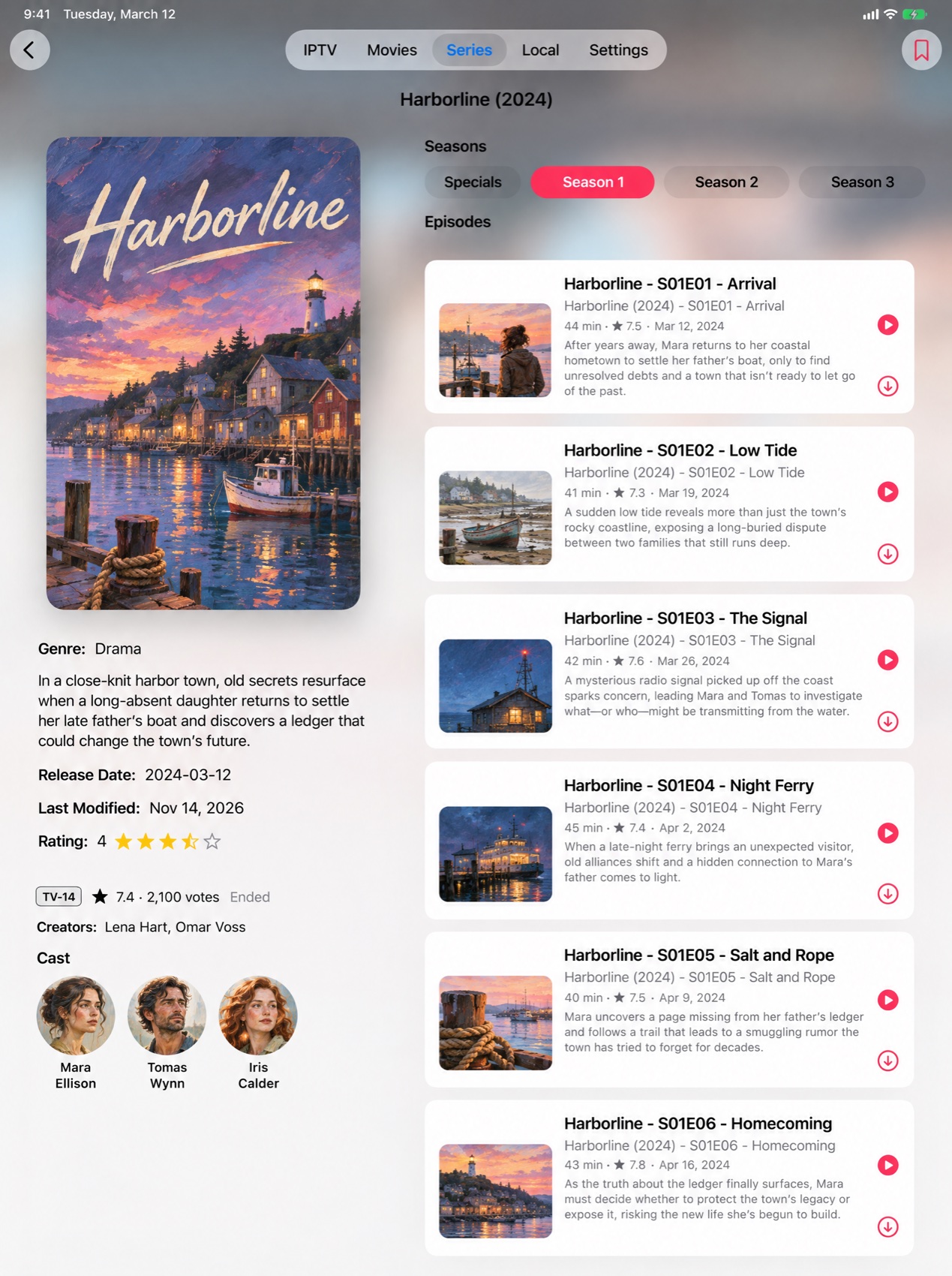
The same app, laid out for iPad: adaptive grids, details in two columns and a wider guide, in portrait or landscape.
Room for more
A channel list with two columns in portrait and three in landscape, and poster grids that adapt to the window.
Details side by side
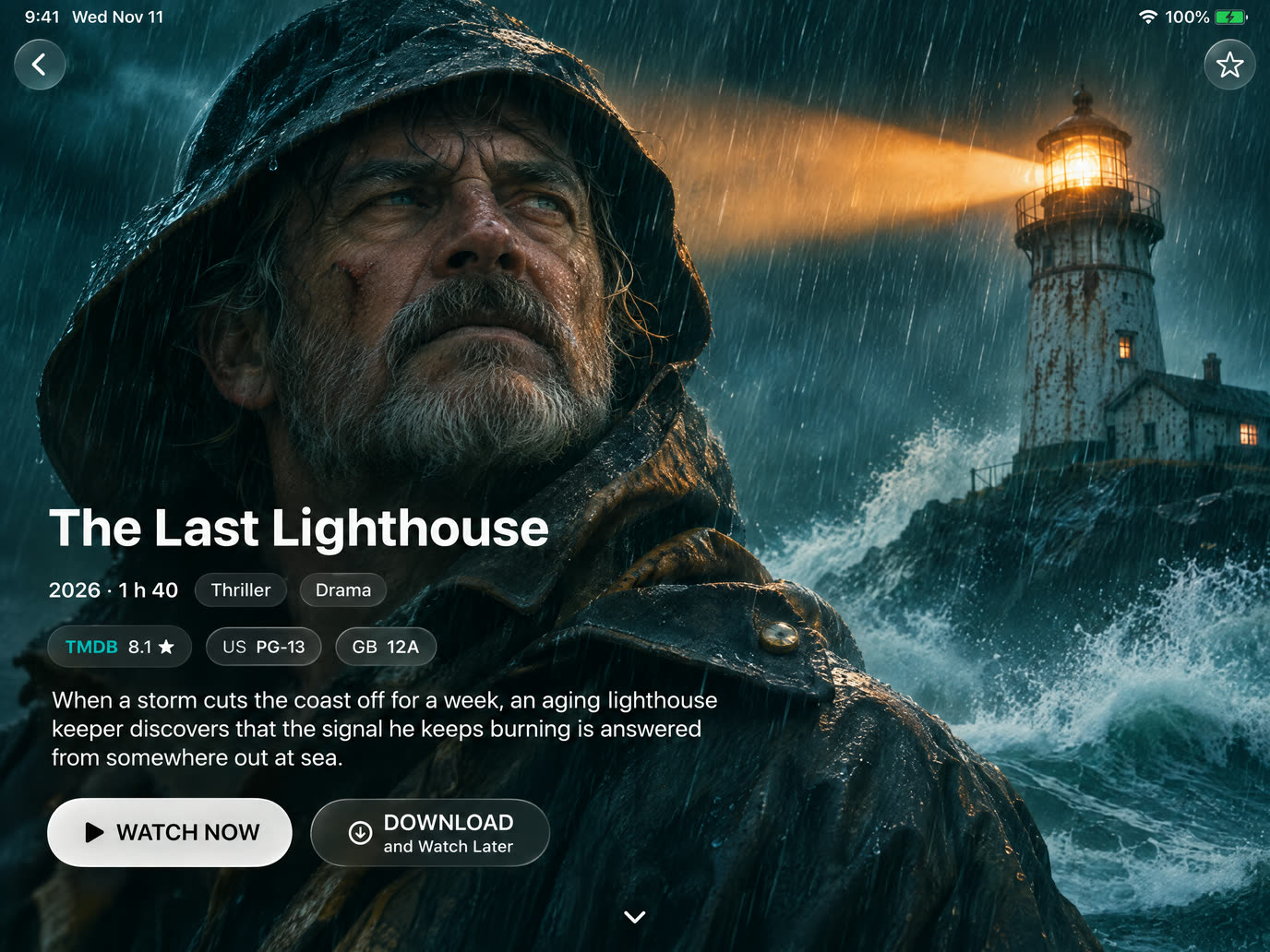
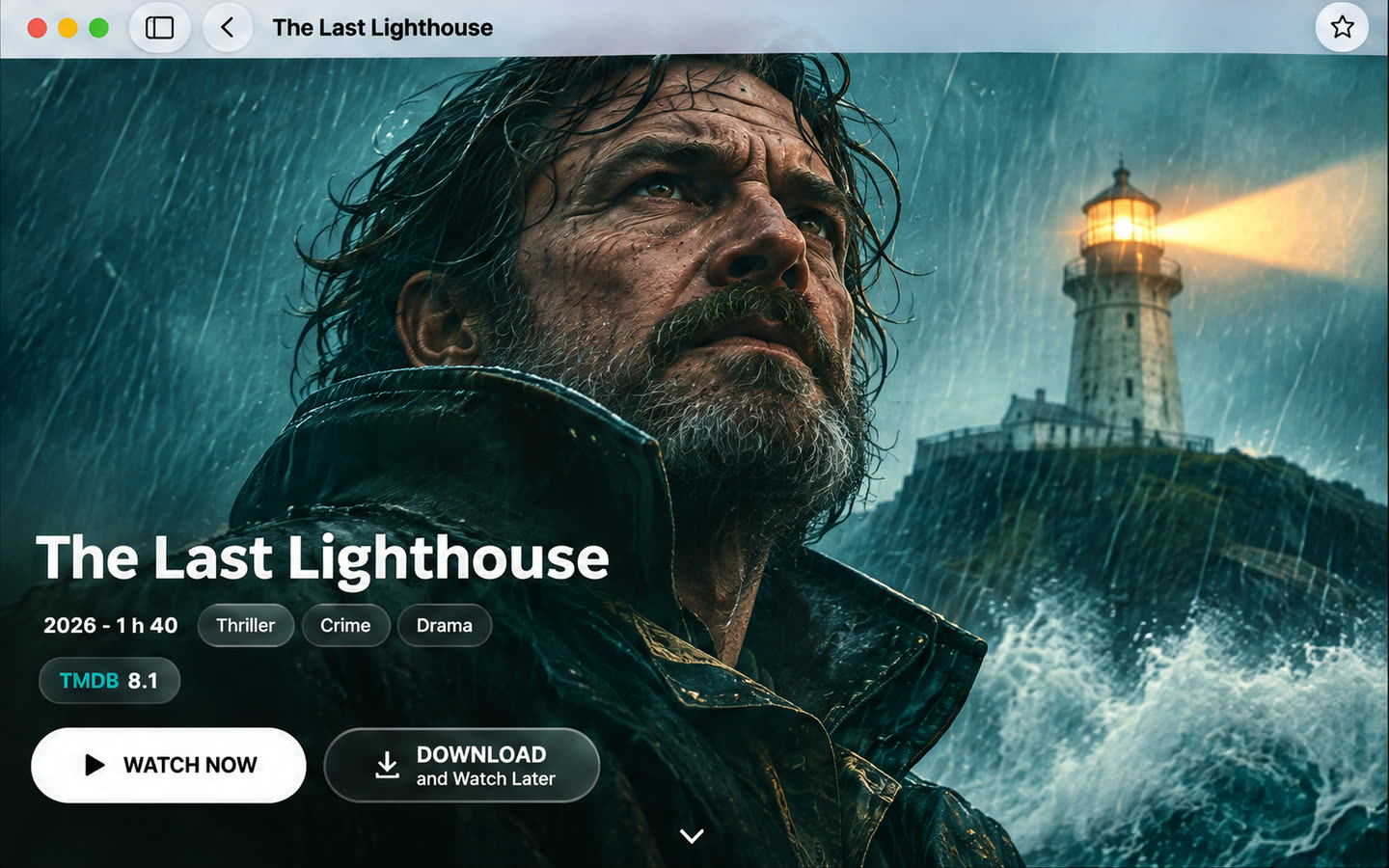
Movie and series details in two columns: artwork, cast and episodes at a glance.
Picture in Picture
Keep the match in a small window while you use another app.
iPad · available now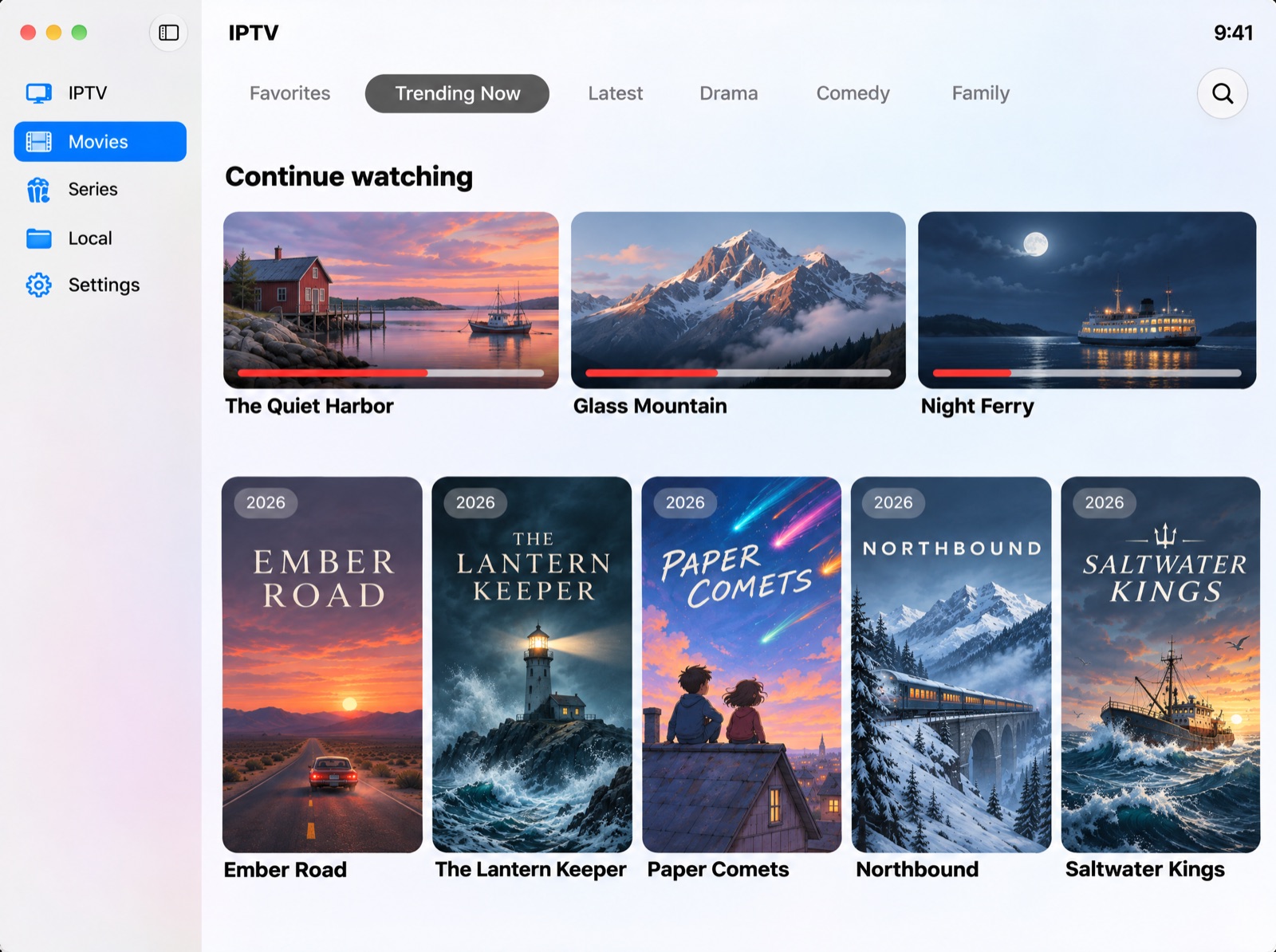
Mac
xIPTV on Mac
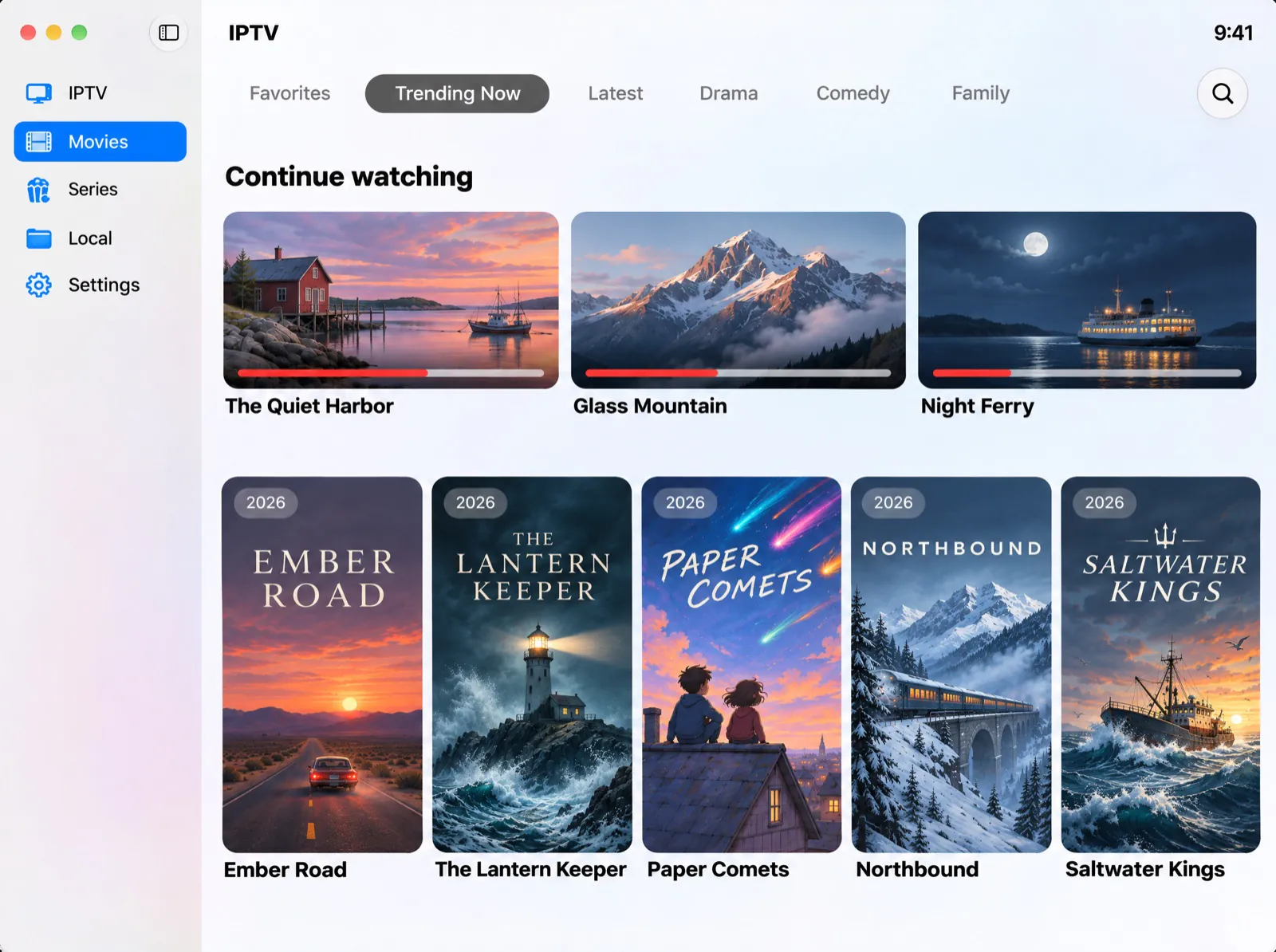
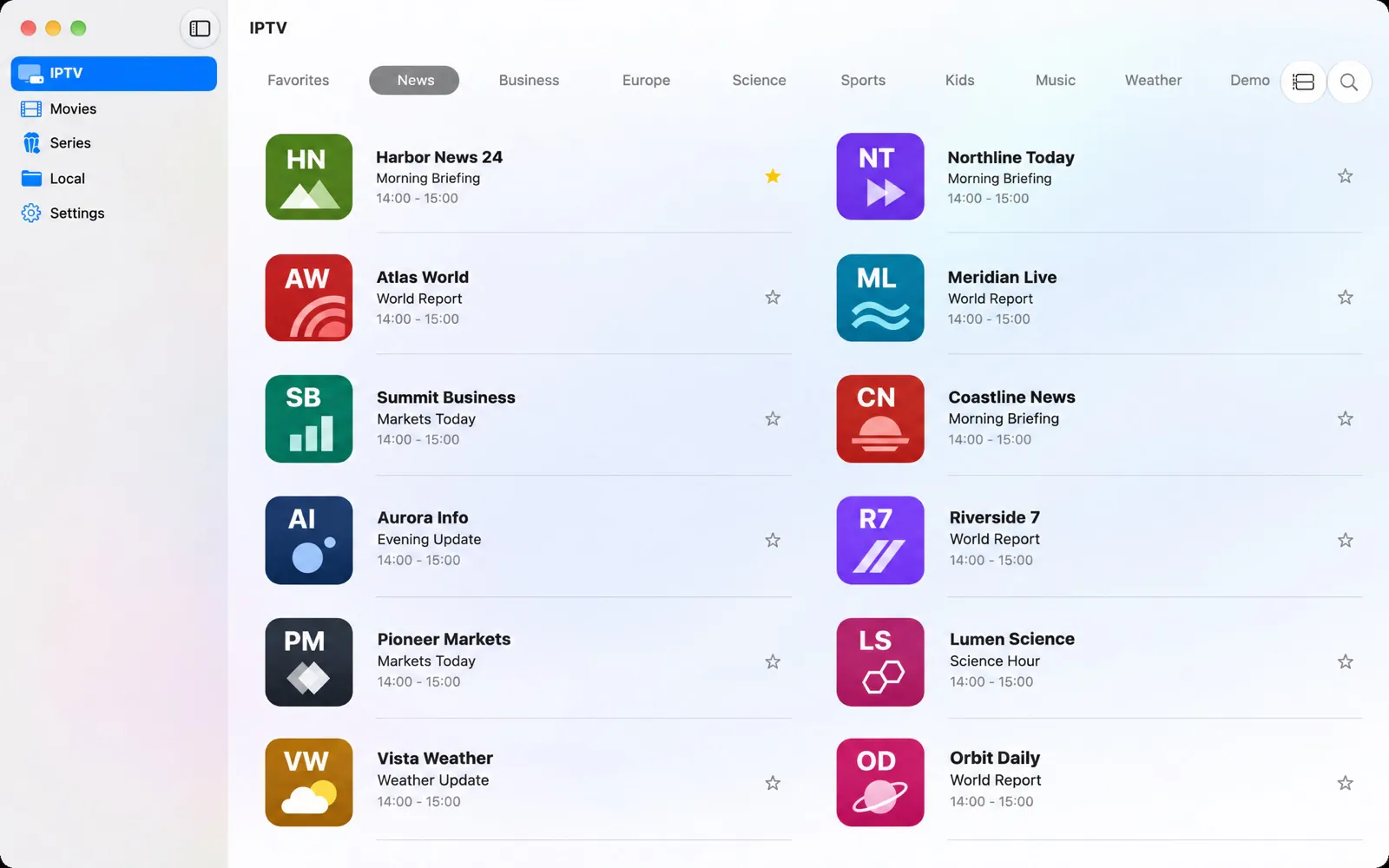
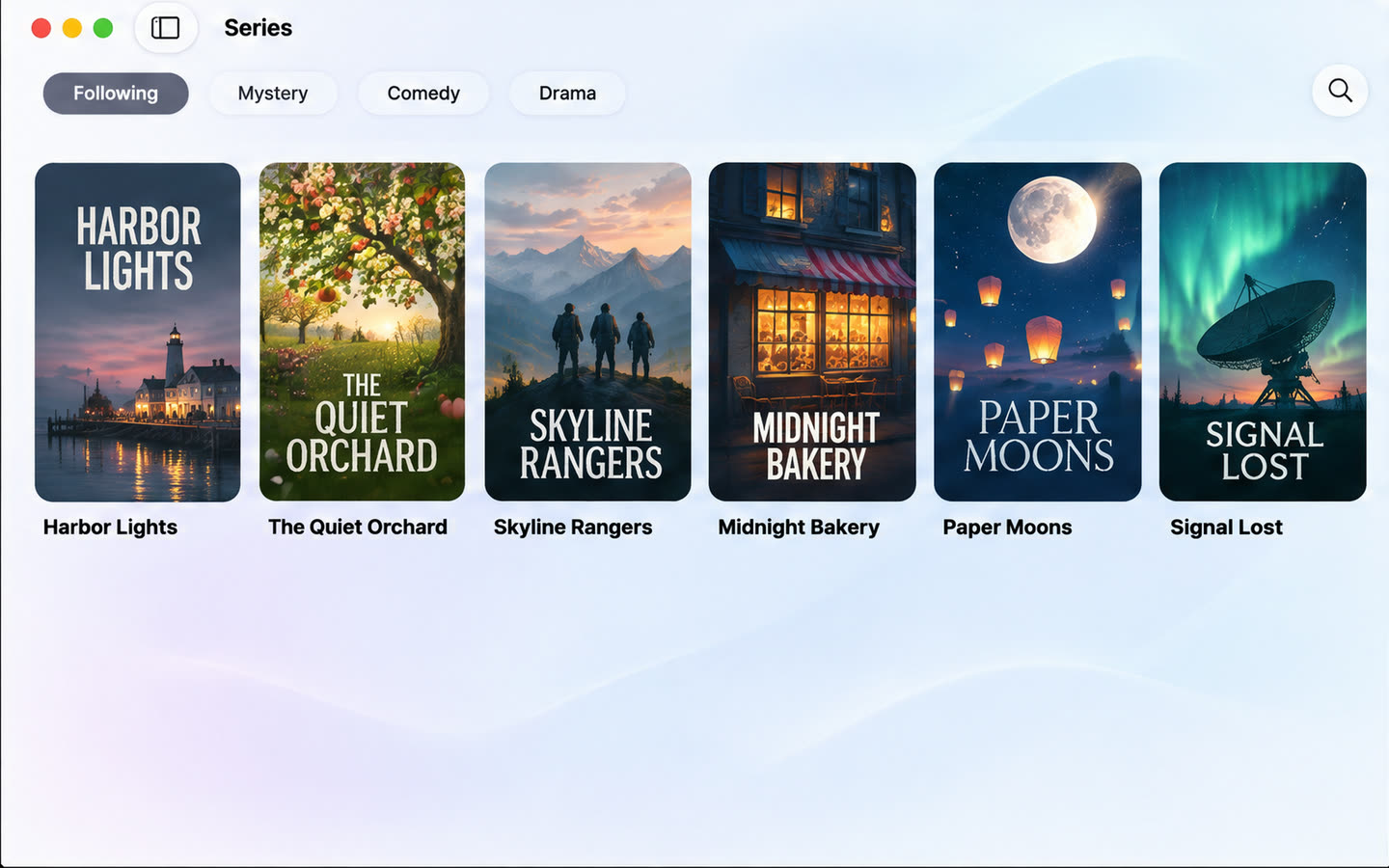
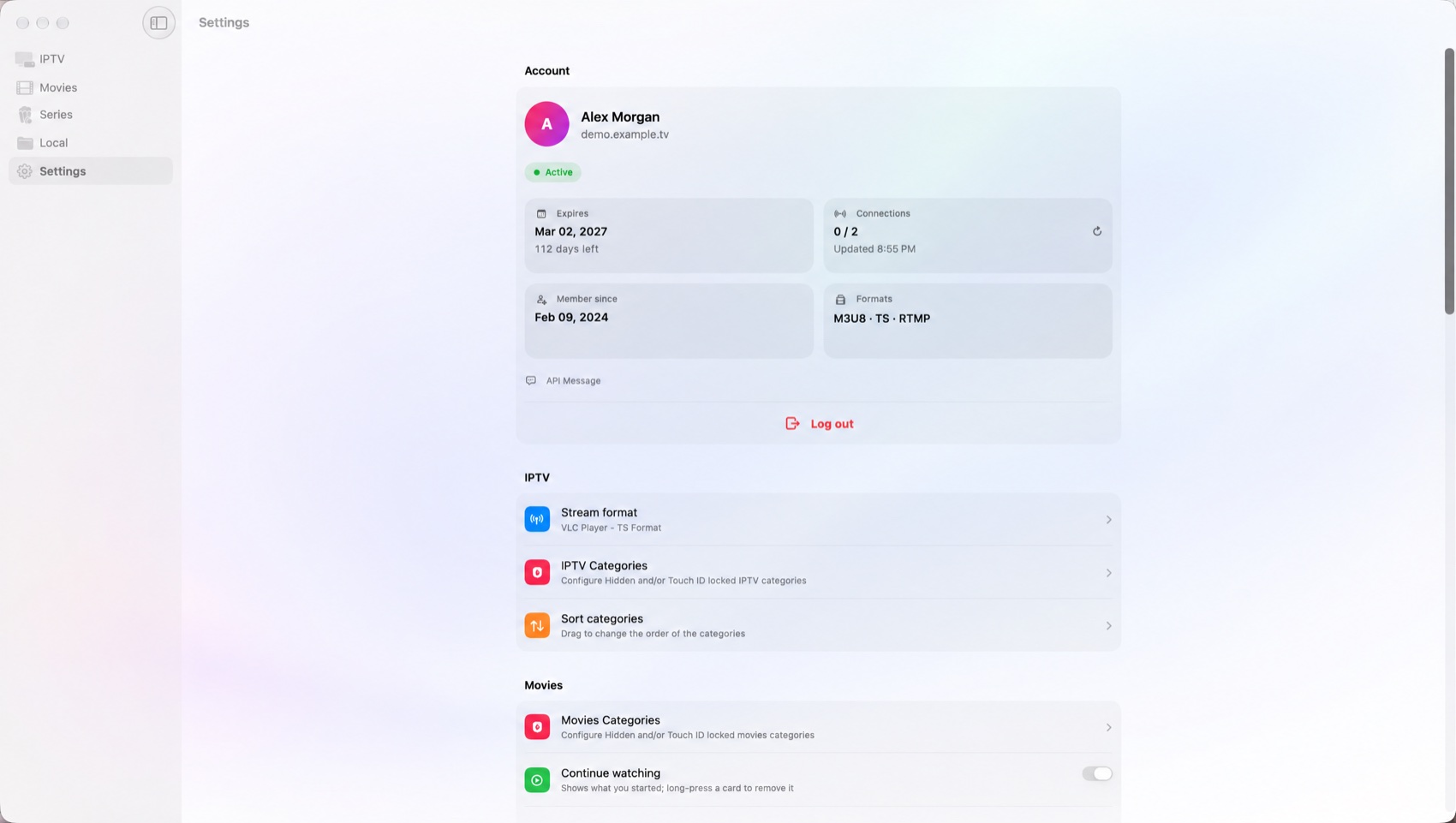
The same app, at home in a Mac window. Sign in once with the same credentials and your channels, movies and series open next to your other apps, with a sidebar and keyboard shortcuts.
A real Mac app
A resizable window with a sidebar, full screen and the keyboard: Space to pause, the arrows to skip or change channel, F for full screen.
Channels beside the picture
Open the channel list over the player, with categories, what is on now and your favorites, without leaving the video.
Mini player and always on top
Keep the picture in a small window above your other apps, or pin the player above every window.
One Premium, in sync
Favorites, followed series and Continue watching sync through iCloud with your iPhone, iPad and Apple TV, and the same Premium unlocks downloads on the Mac.
Mac · available now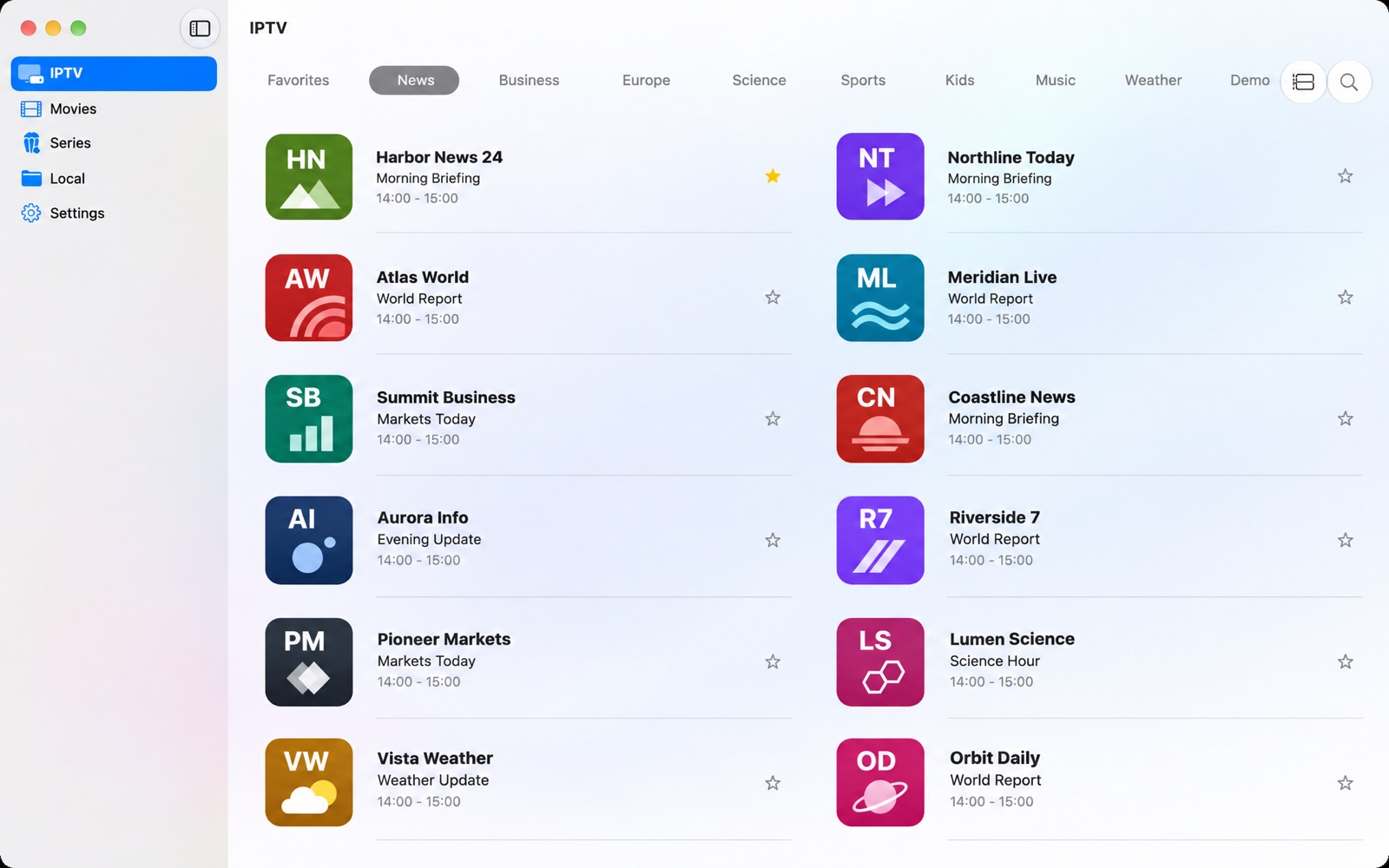
Apple TV
xIPTV on Apple TV Coming soon
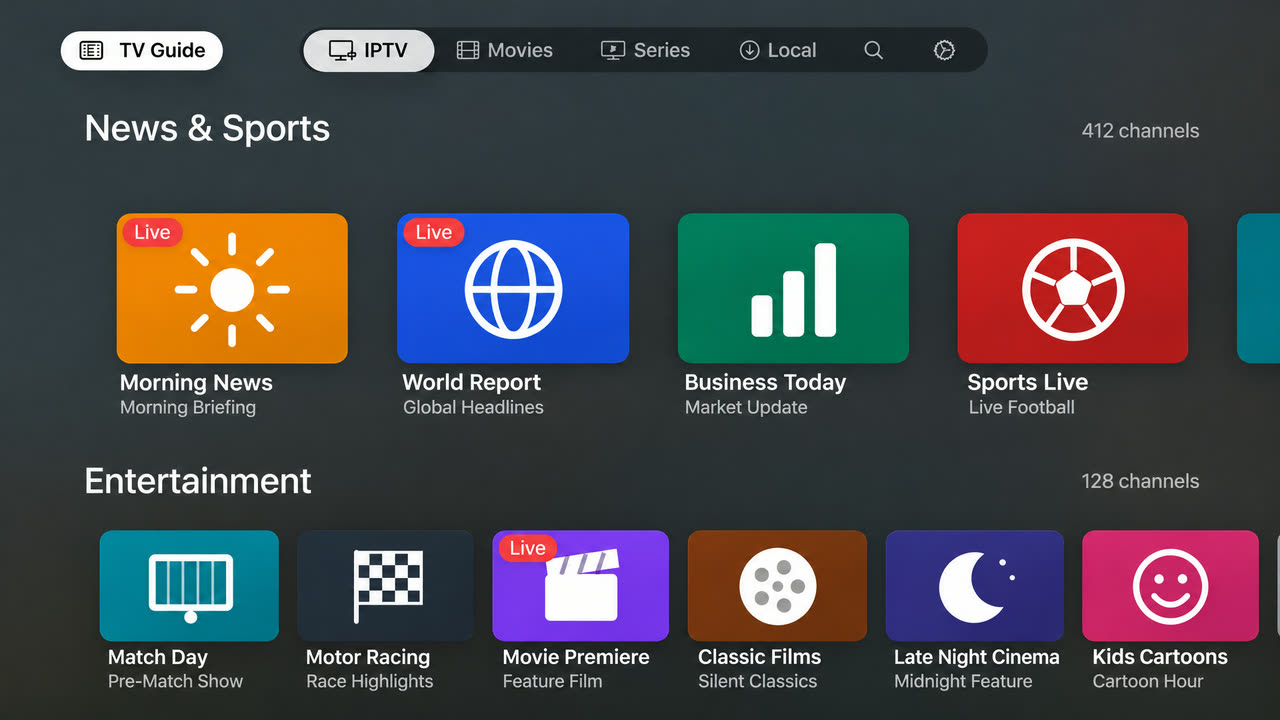
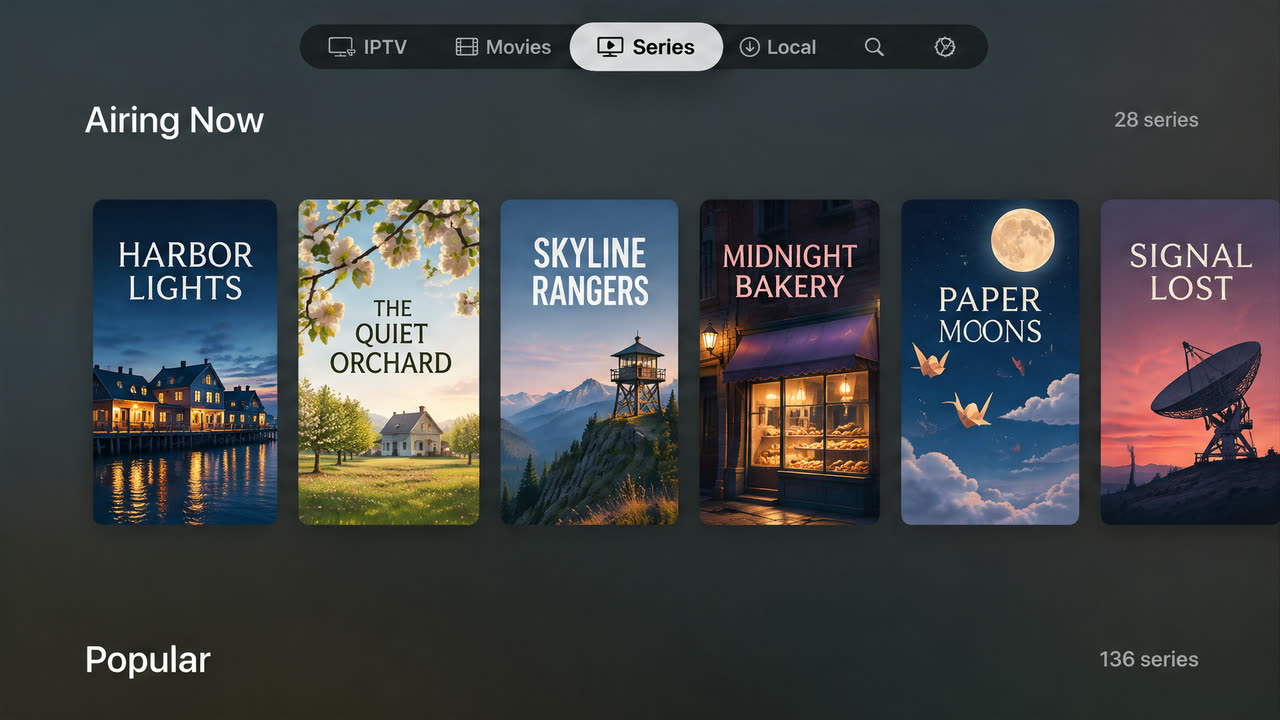
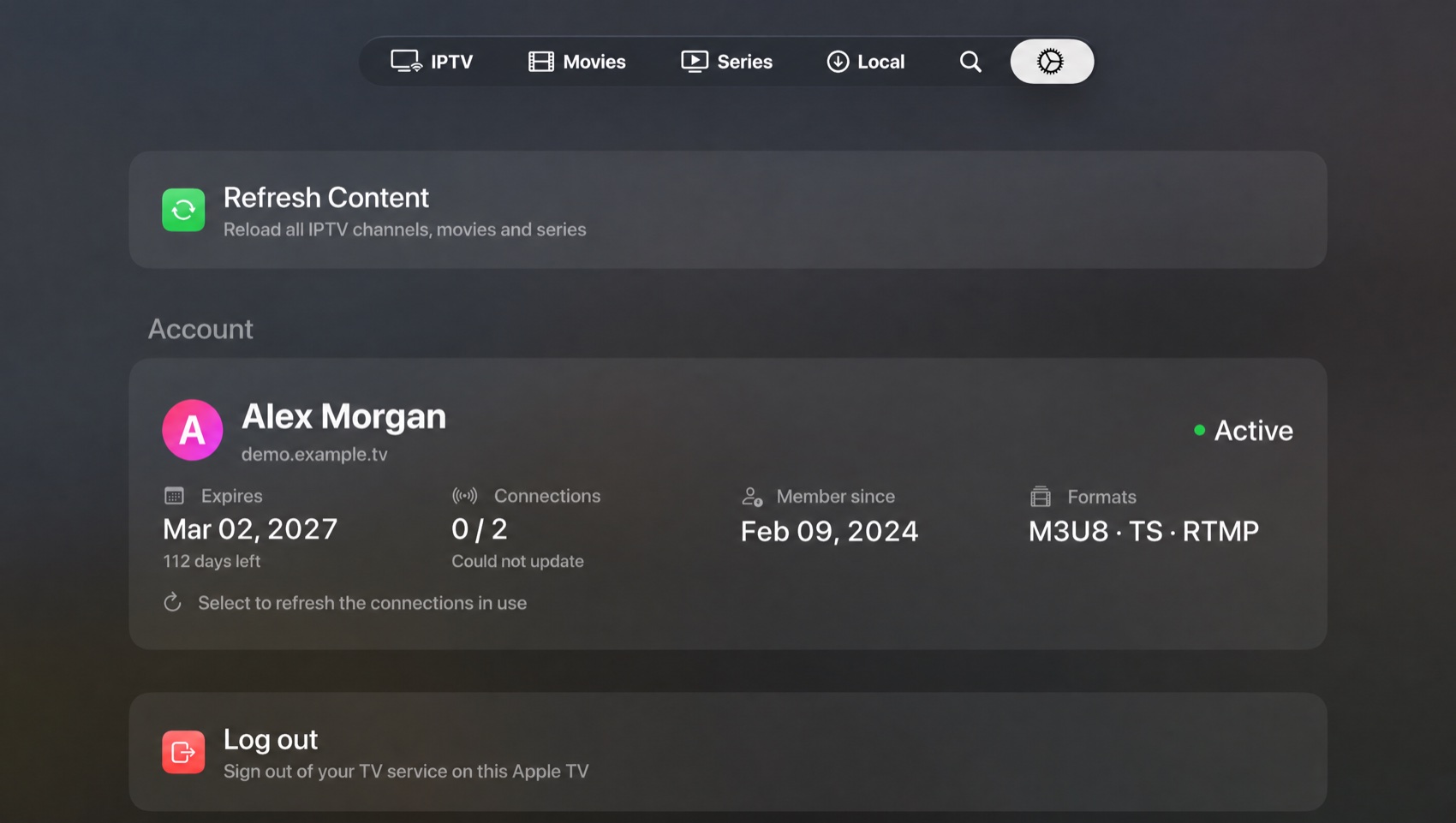
The same app, built for the living room. Sign in once with the same credentials and your channels, movies and series fill the big screen, with the iPhone app as your companion.
Made for the Siri Remote
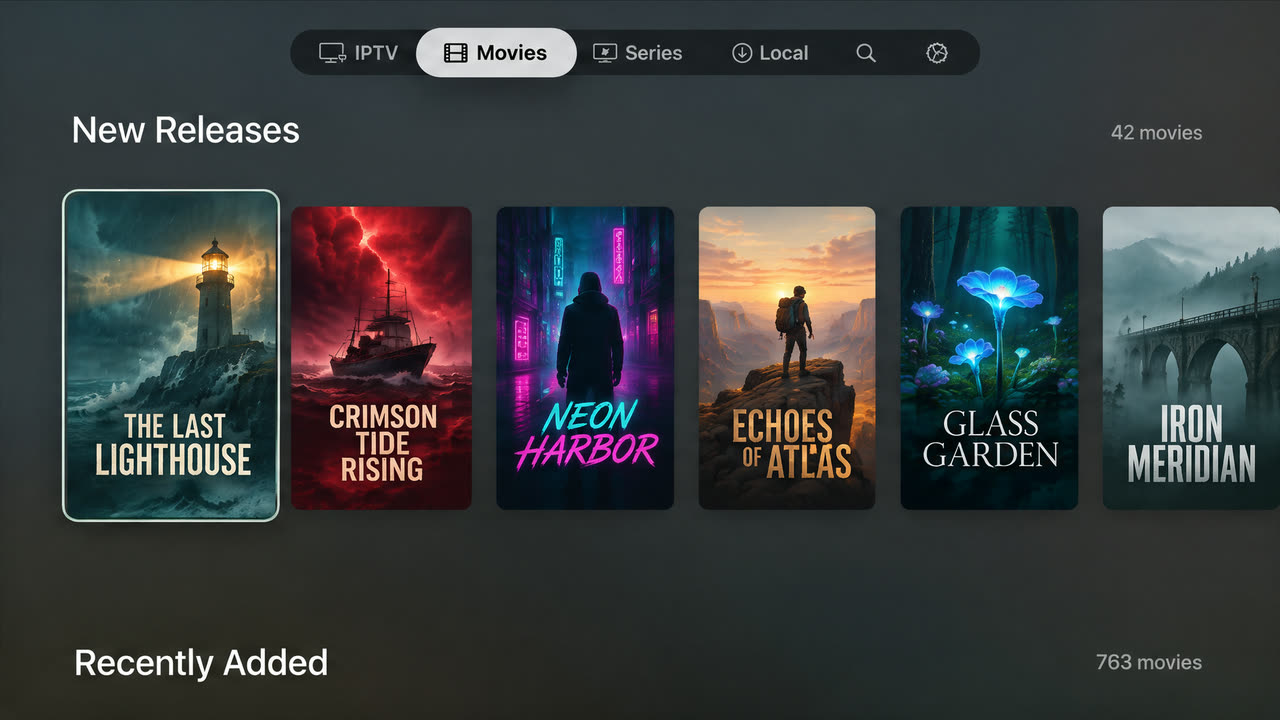
Large posters, a clear focus ring and the swipes and clicks you already use on your Apple TV. Nothing was shrunk down from the phone.
Live TV, movies and series
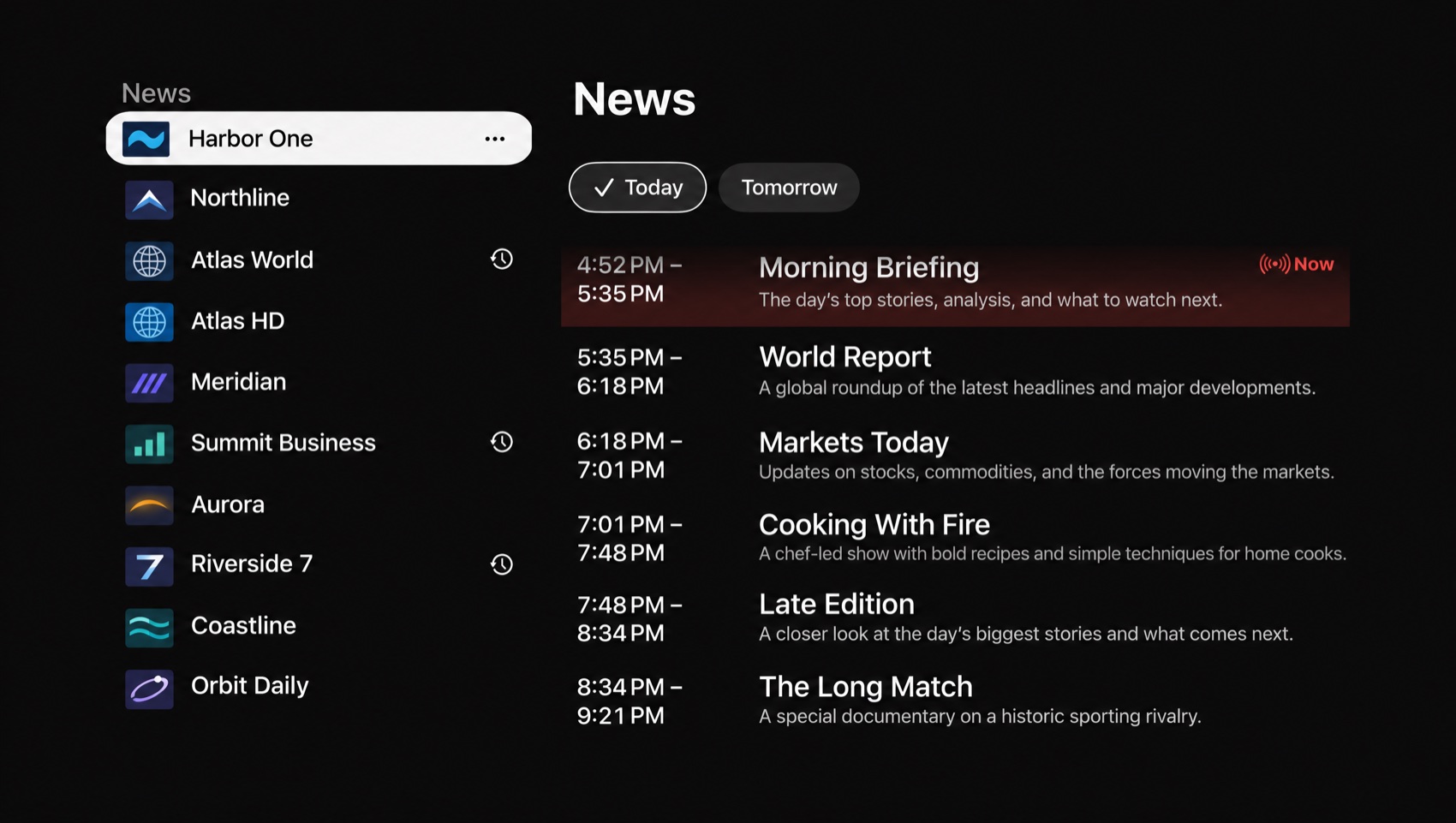
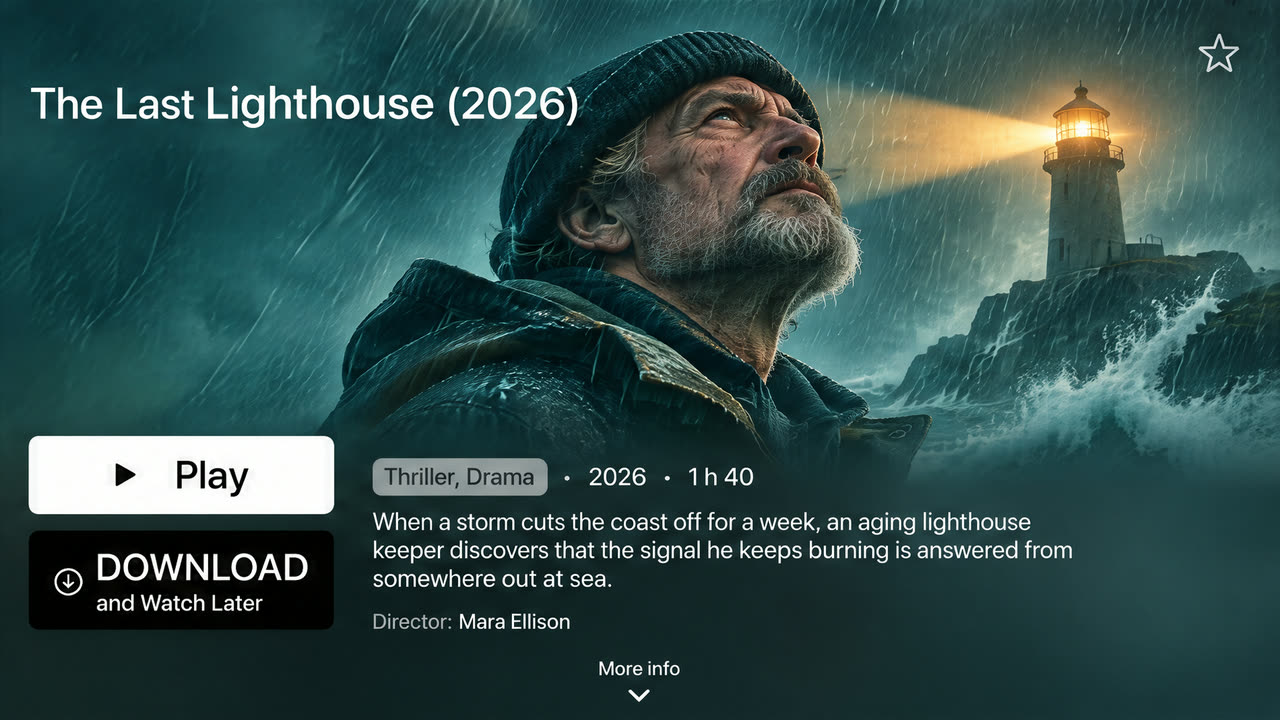
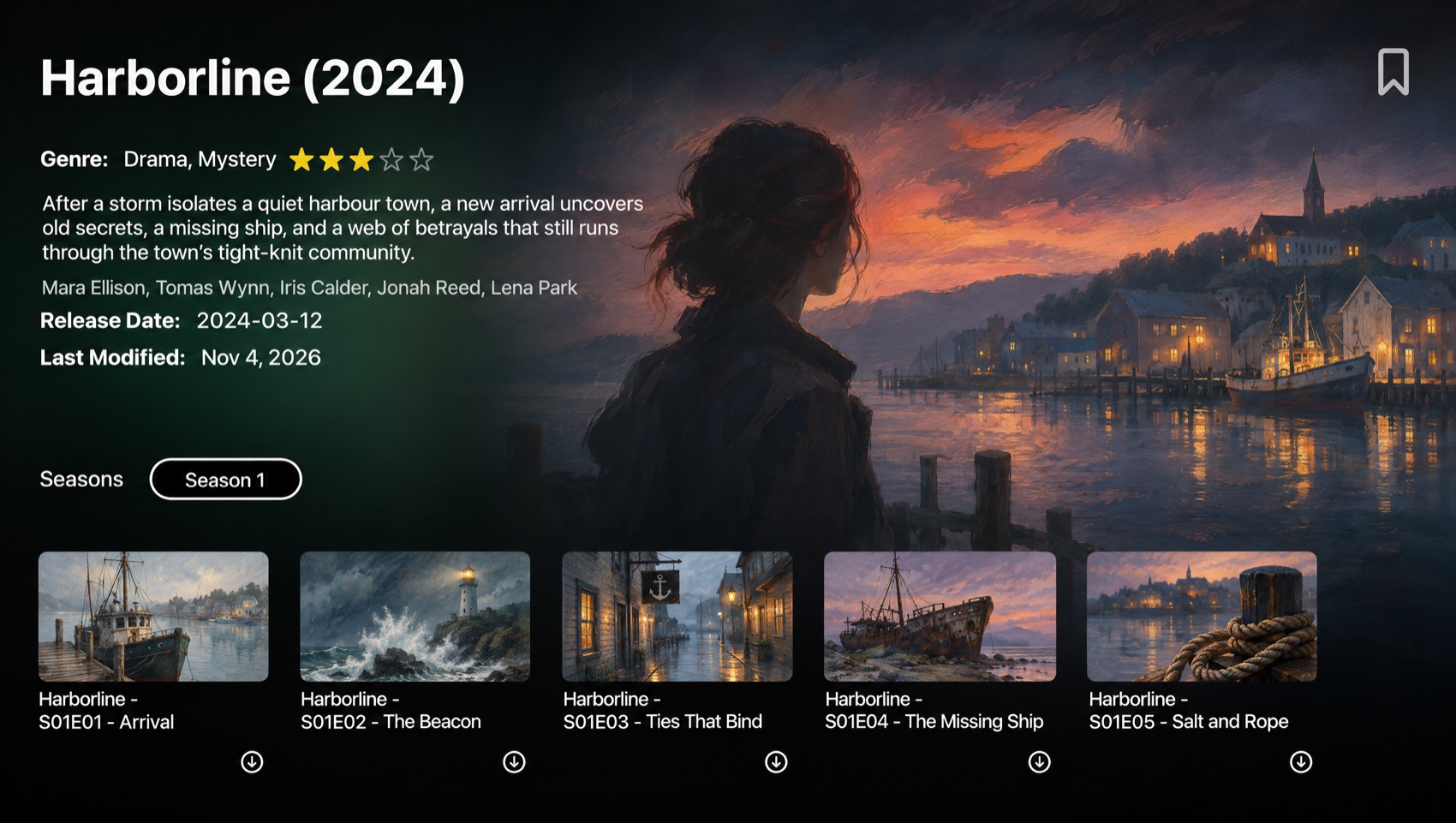
The same tabs as on the iPhone, made for the remote: channels by category with what is on now, a channel strip over the picture, a full-screen guide, the programme archive, movie and series posters with details, and search across live TV, movies and series.
Downloads on the Apple TV too
With Premium, download movies and episodes to the Apple TV itself and play them from the Local tab, even if your service is slow that evening.
In sync with your iPhone, iPad and Mac
Favorites, followed series and Continue watching travel through iCloud, so the film you paused on the phone is waiting on the TV.
Apple TV · coming soon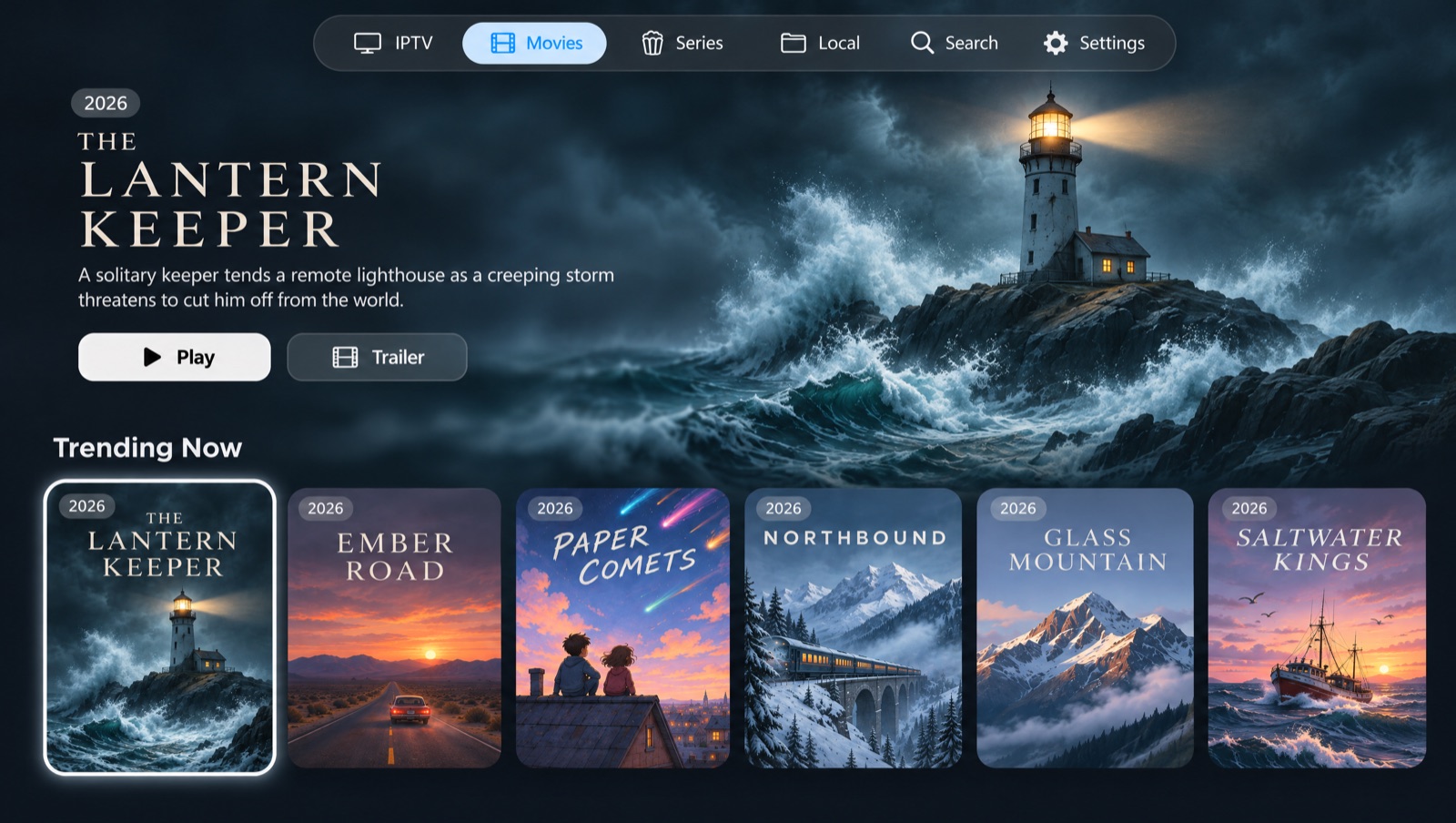
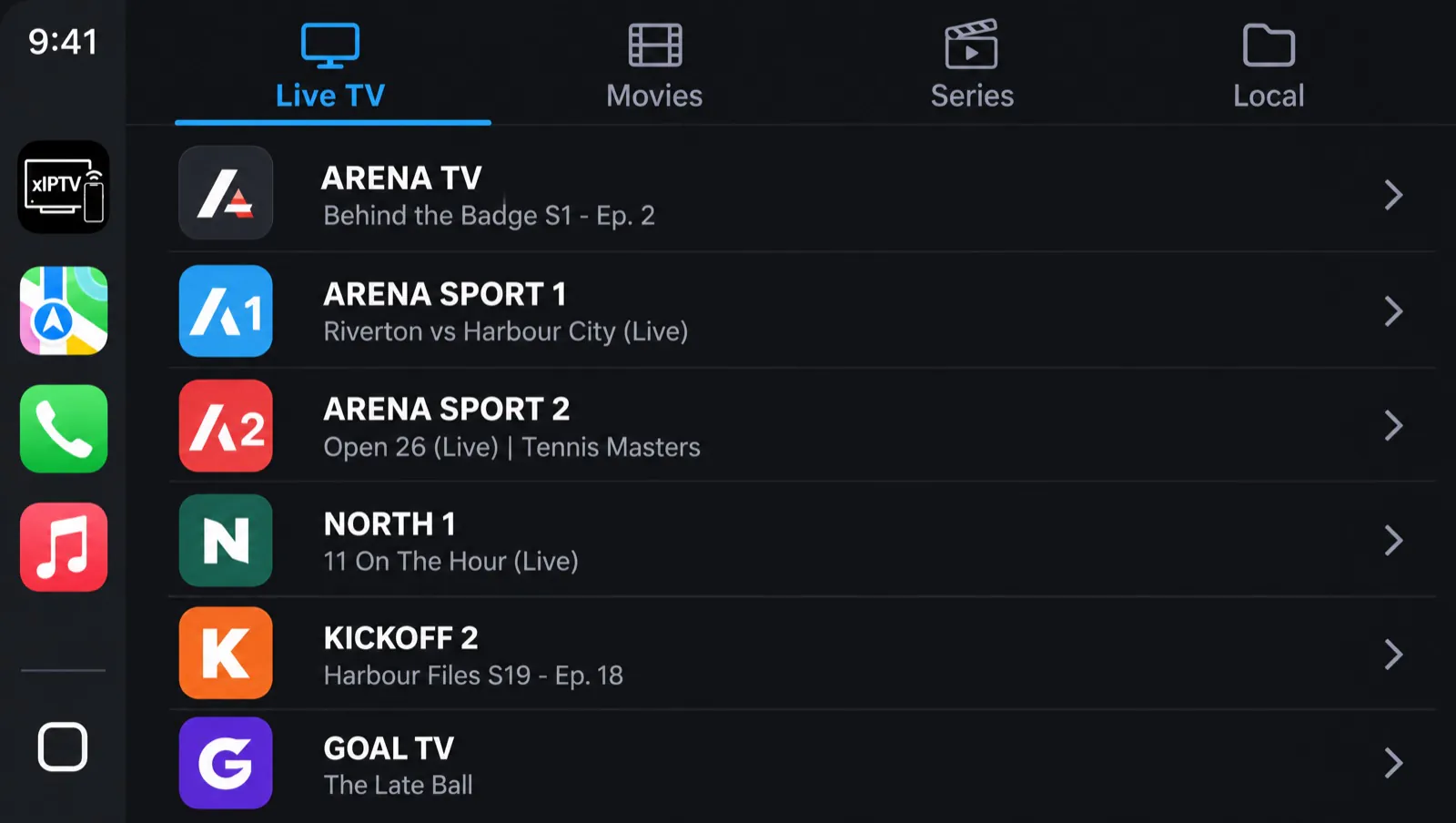
CarPlay · Premium
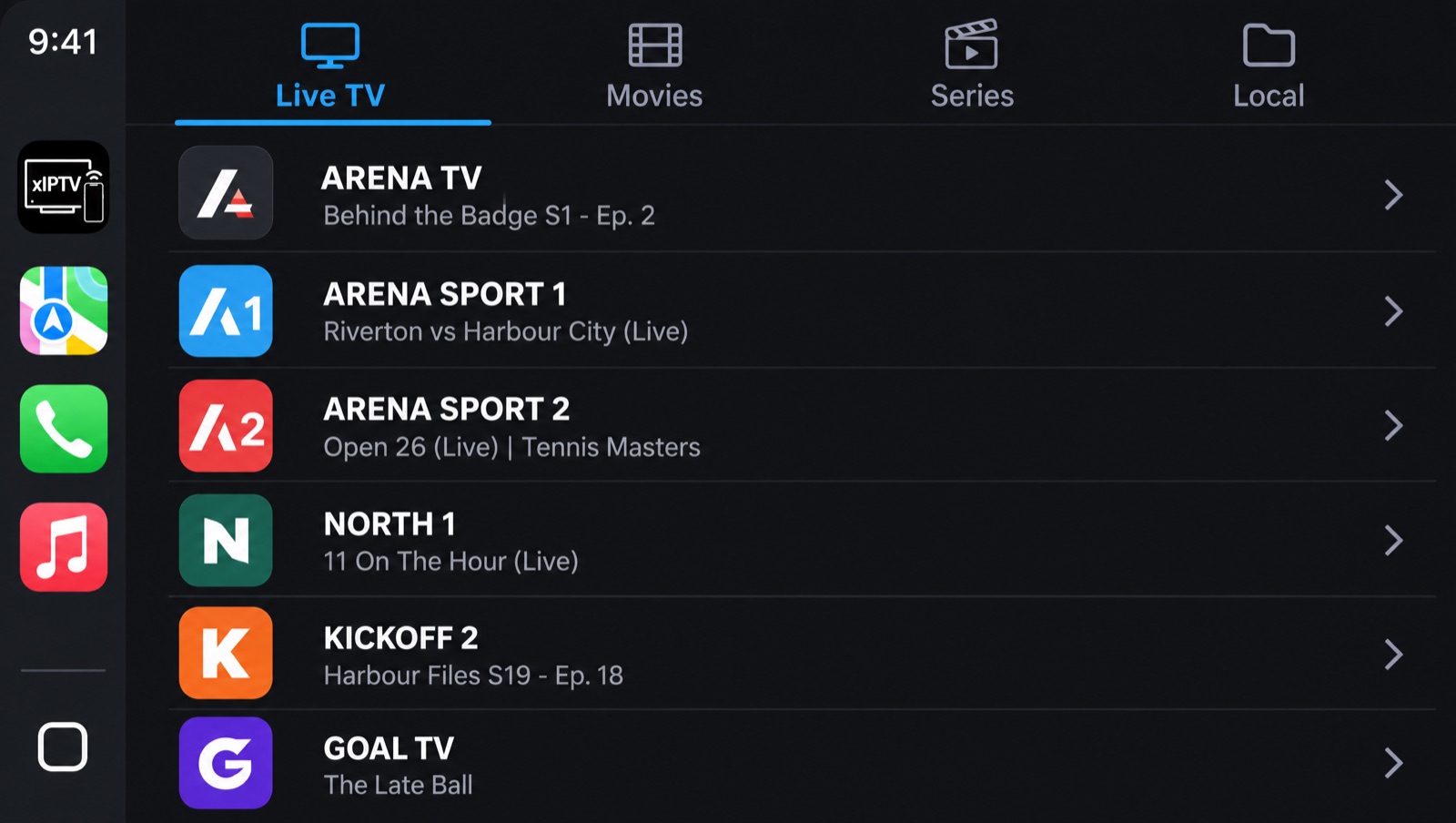
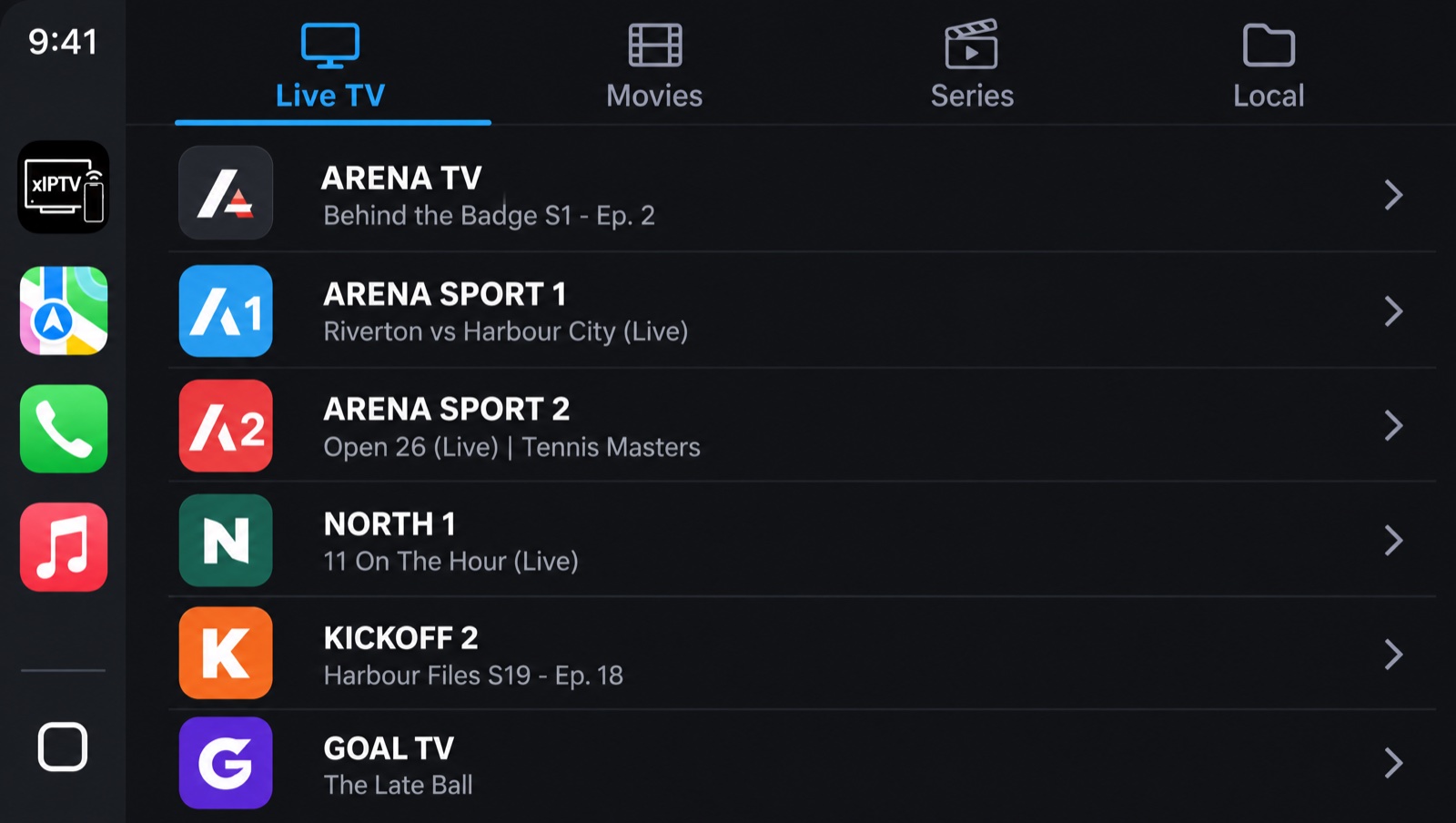
Your channels, in the car
Open xIPTV on your car's display and play your content there while parked. Your channels and downloads, on the big screen in the car. CarPlay video needs a compatible vehicle, and xIPTV appears in CarPlay only in those vehicles.
Needs a car that supports CarPlay video, not just CarPlay. Check with your carmaker or dealer first.
Free for everyone
Everything else, included
All of this comes with the free app on iPhone, iPad, Mac and Apple TV. Premium only adds downloads and CarPlay.
TV archive: go back in time
When your provider keeps an archive, the guide shows the previous days of a channel, up to a week. A programme that already ended plays with Watch, one that is on air can start from the beginning, and an icon in the channel list opens the guide straight on that channel's past.
Details that tell the whole story
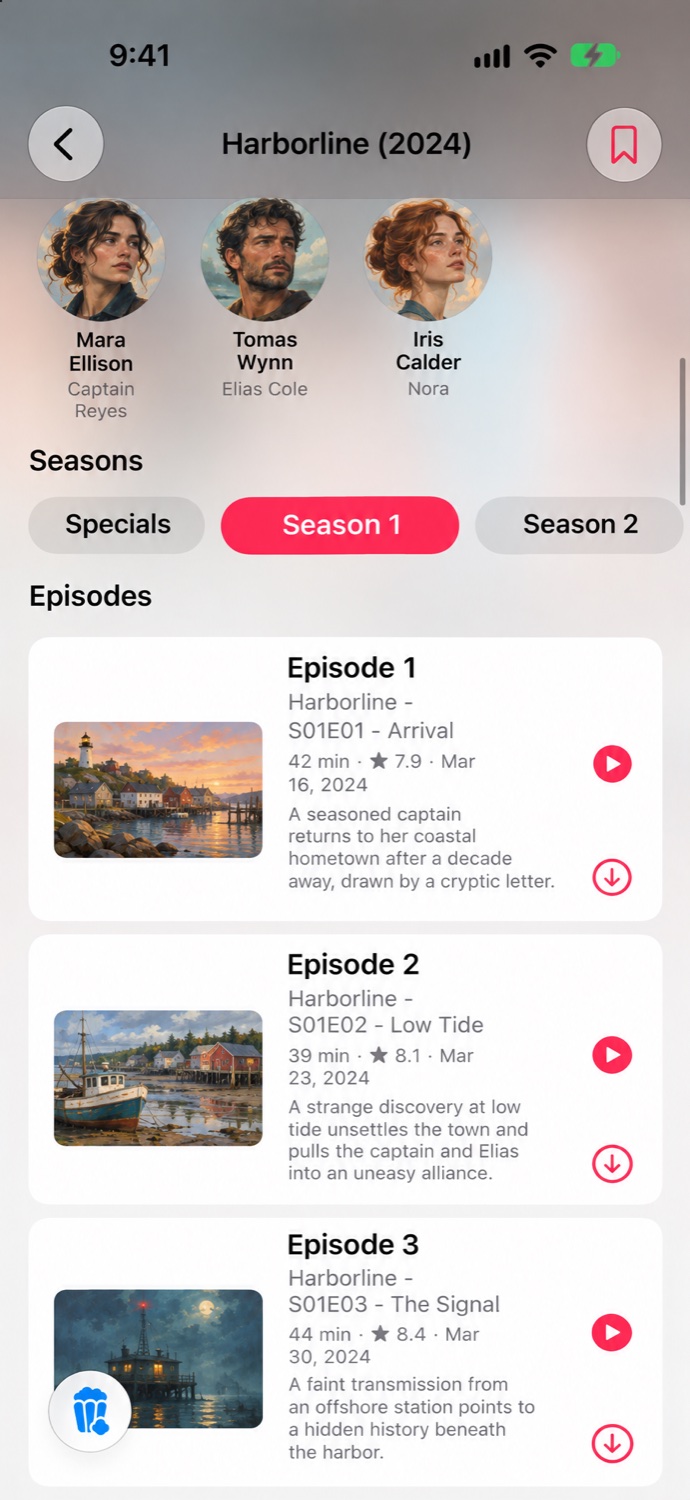
Cast with photos, director and writer, age rating, score and vote count, the collection a film belongs to and recommended titles. Series add their status, the next episode, the creators and an image, synopsis and rating per episode. Artwork and facts come from TMDB, and sections simply disappear when TMDB has nothing.
Live TV with a guide
Browse channels by category, see what is on now and next, and set reminders so you do not miss a program.
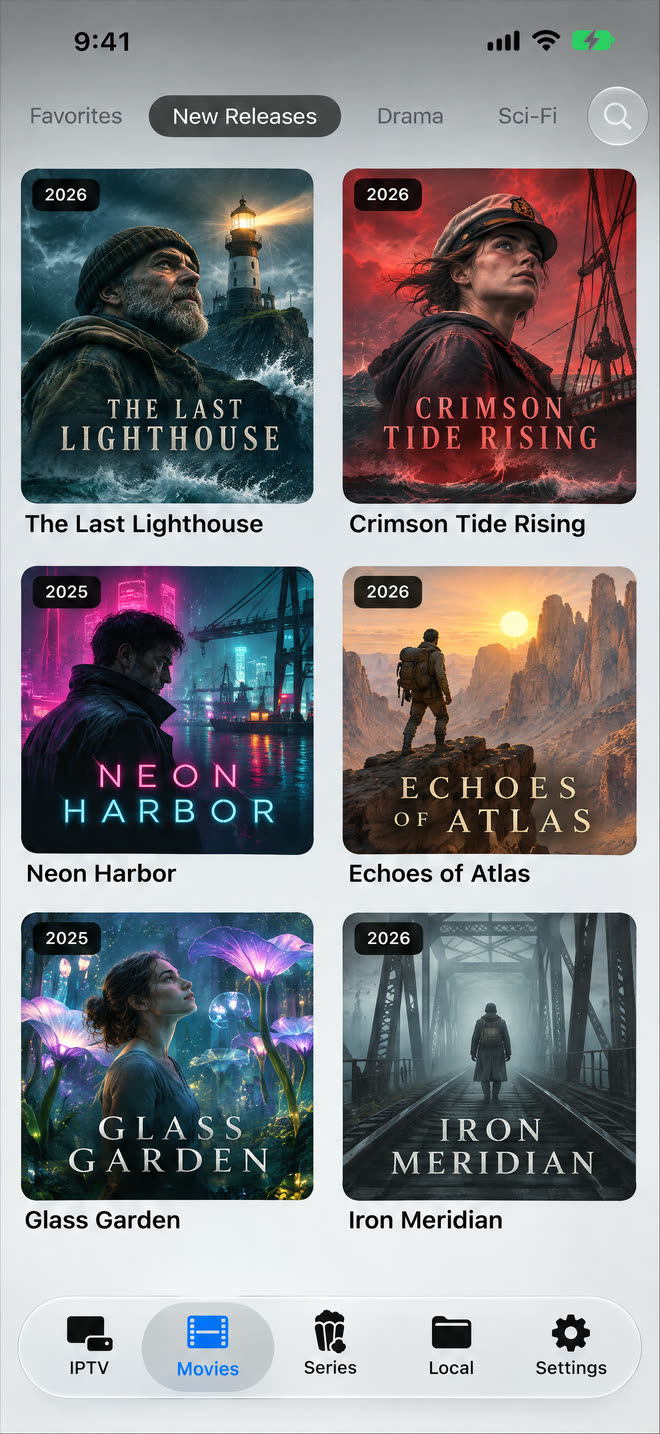
Movies and series
Posters, details and trailers, with artwork from TMDB. Follow a series and jump straight to the next episode.
Continue watching
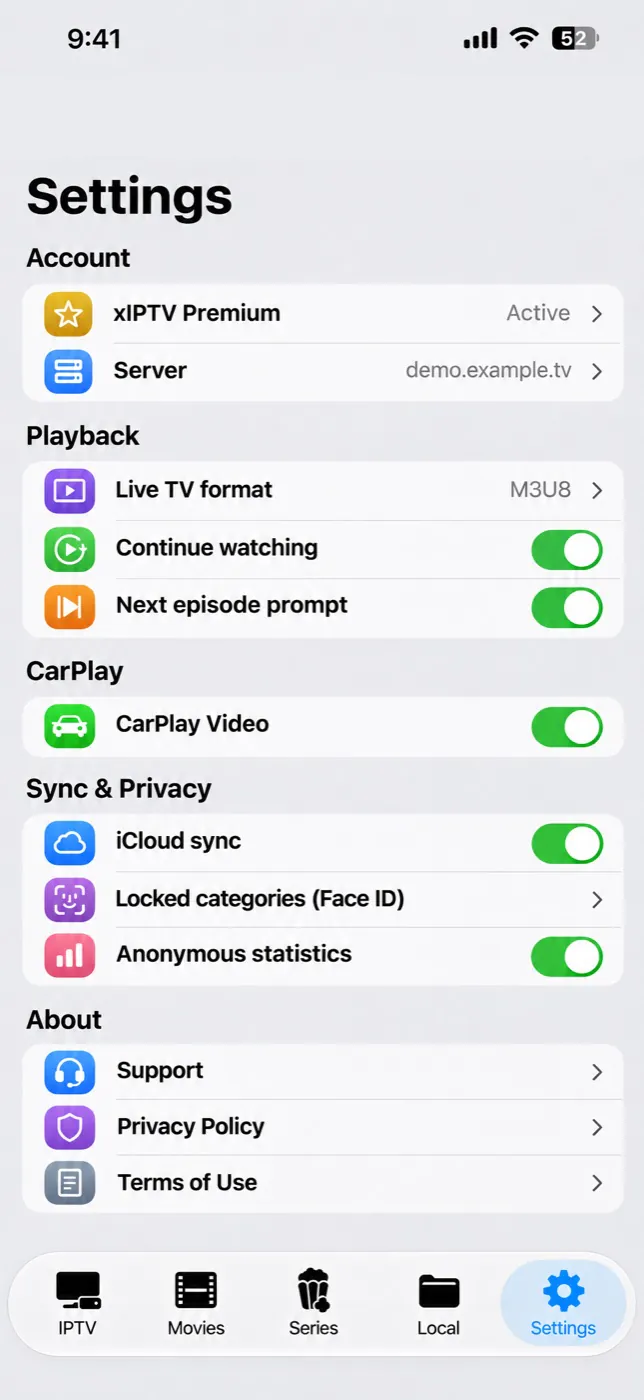
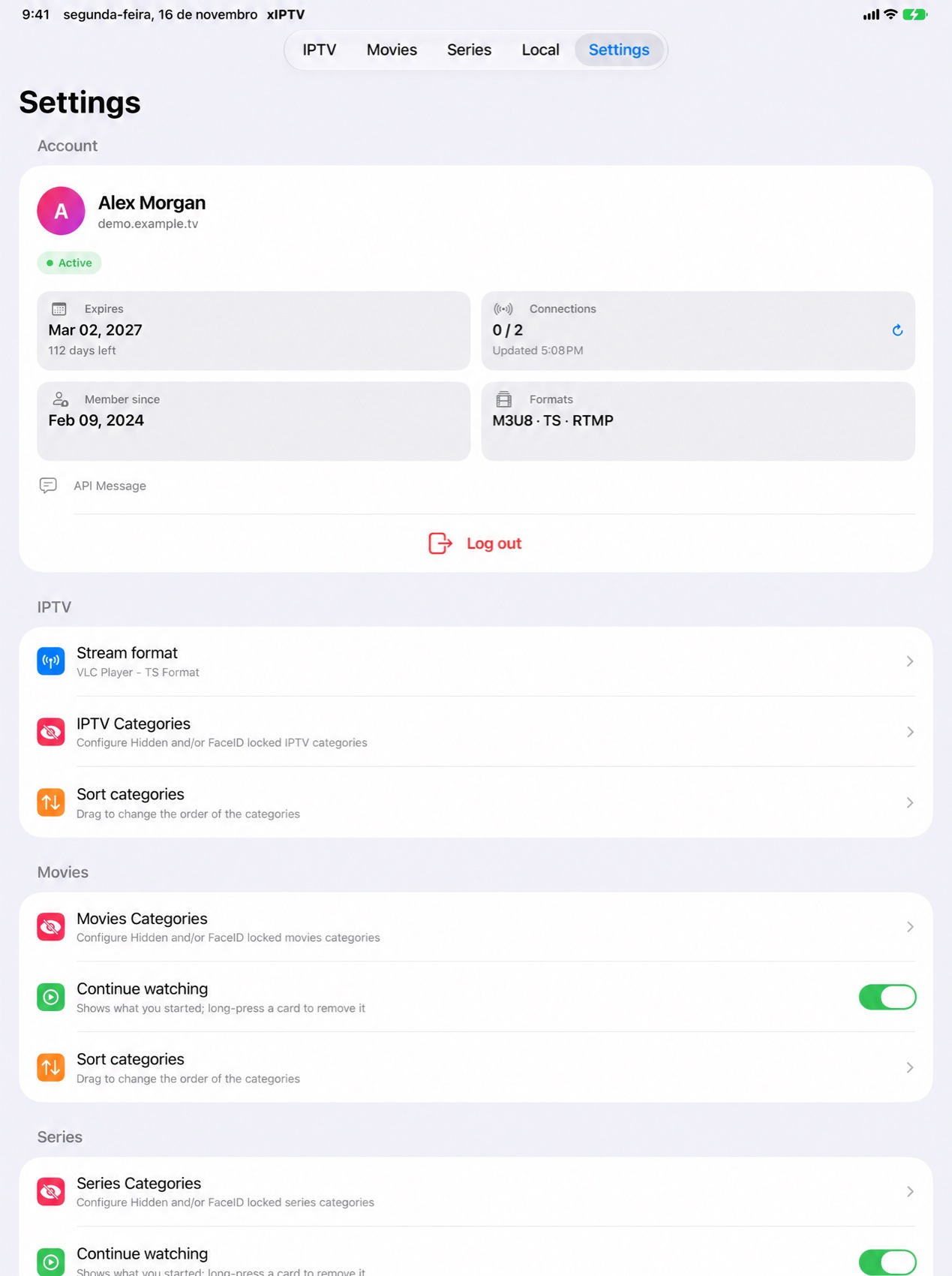
Pick up a movie or episode exactly where you left off. A title leaves the list once only the credits remain, and you can switch the row off per section in Settings.
Face ID locked categories
Lock or hide categories so only you can open them, with Face ID, passcode or PIN.
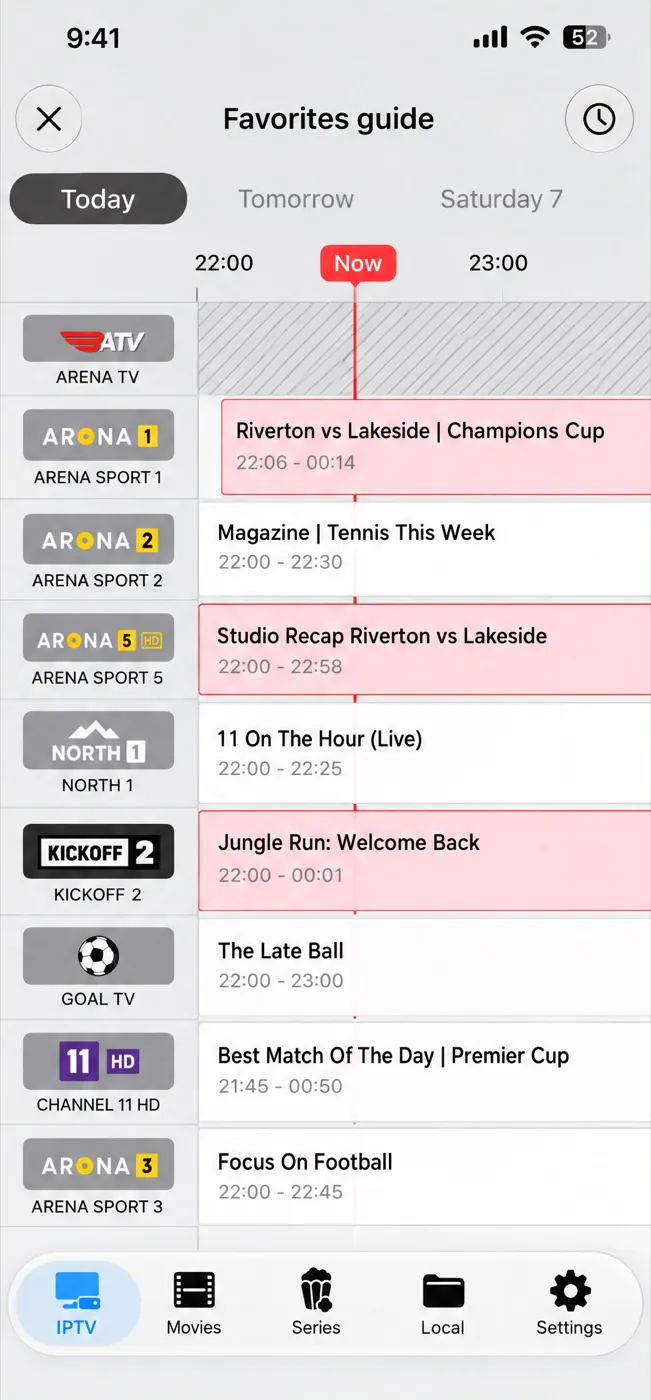
Favorites guide
A guide built from your favorite channels only, with reminders for the programs you care about.
Your data stays yours
No account with us. Credentials live in the Keychain on your device, and the anonymous usage statistics can be switched off.
Clear when you are offline
Without internet the app says so, points you to the downloads in Local, which keep playing, and reloads by itself as soon as the connection is back. If your TV service stops answering, it tells you since when and keeps trying; if the account is expired or disabled, it says that too. In Airplane Mode it stays quiet, because you turned the radios off on purpose.
Made for iPad as well
Adaptive grids, details in two columns, a channel list with two columns in portrait and three in landscape, and a wider guide. The same app, laid out for the bigger screen.
Made to feel effortless
Every screen was built the way an iPhone app should feel: fast, familiar and out of your way.
Native from the first tap
System fonts, dark mode, swipe-back and the gestures you already know. Nothing to learn, nothing to configure.
Search that forgives
Type a title or a channel as you remember it. Search ignores accents, case and punctuation, shows results as you type and looks through every category. Hidden categories never show up; locked ones stay out until you turn on the lock icon next to the search field and unlock them.
Picture in Picture
Keep the match in a small window while you answer a message or check another app.
Picks up where you left
Playback resumes at the exact second, and every list comes back to the same spot when you go back.
Everything one tap away
Live TV, movies, series and downloads sit on the tab bar. Favorites are a tap, with a gentle haptic to confirm.
Fast from the first launch
Your catalog is loaded once and kept on the device, so browsing thousands of titles stays instant.
Gallery
Screenshots
Drag, swipe or use the arrows.
Privacy
Privacy at a glance
- No account and no sign-up. Your provider's credentials are stored only in the Keychain on your iPhone, iPad, Mac or Apple TV.
- Streams go directly from your provider to your device. Nothing passes through our servers, because we have none.
- Anonymous crash reports and usage statistics help us fix bugs. You can turn them off in Settings › Privacy.
Read the full Privacy Policy.
Get xIPTV on every screen
One app for iPhone, iPad, Mac and Apple TV. Choose your device.
- iPhone · available now
- iPad · available now
- Mac · available now
- Apple TV · coming soon